
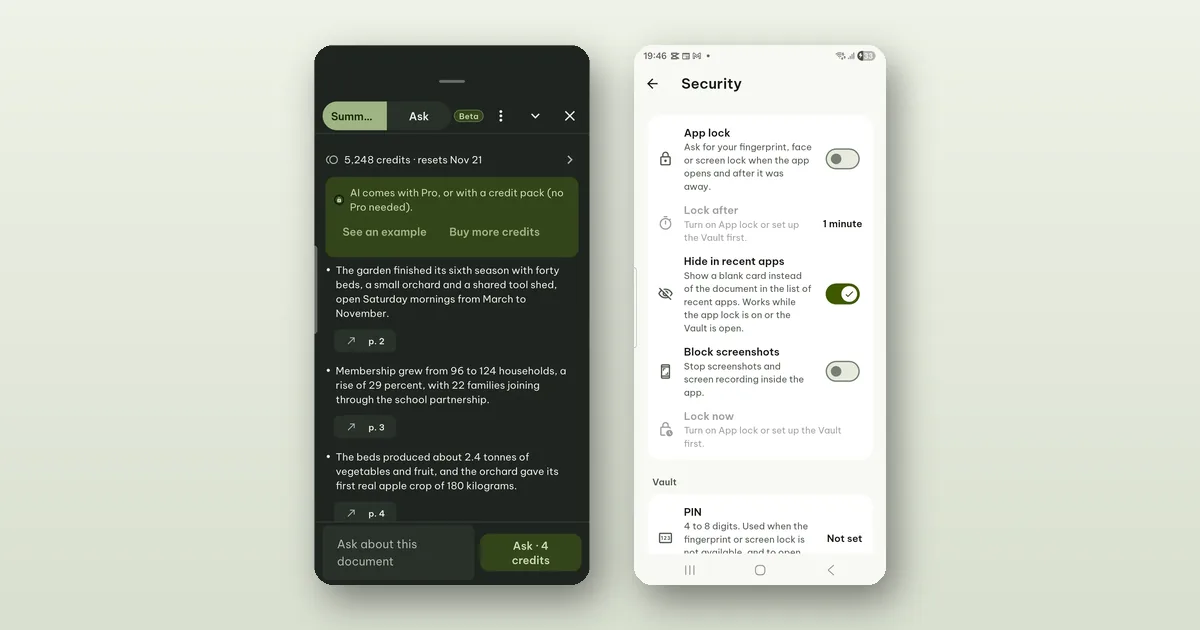
Everything in Pagiro runs on your phone except the AI features. Summarize, Ask and Create with AI send text to our AI service, and only when you use them. This post is the plain version of section 7 of our privacy policy: what leaves the phone, who sees it, how long it stays, and how to remove what we keep. Where this post and the policy differ, the policy is the one that counts.
Nothing is sent until you say so
The first time you use an AI feature, a screen explains what will be sent. Nothing goes out until you tap Allow there, and after that only when you tap an AI action. Opening a document, reading it or editing it never sends anything.
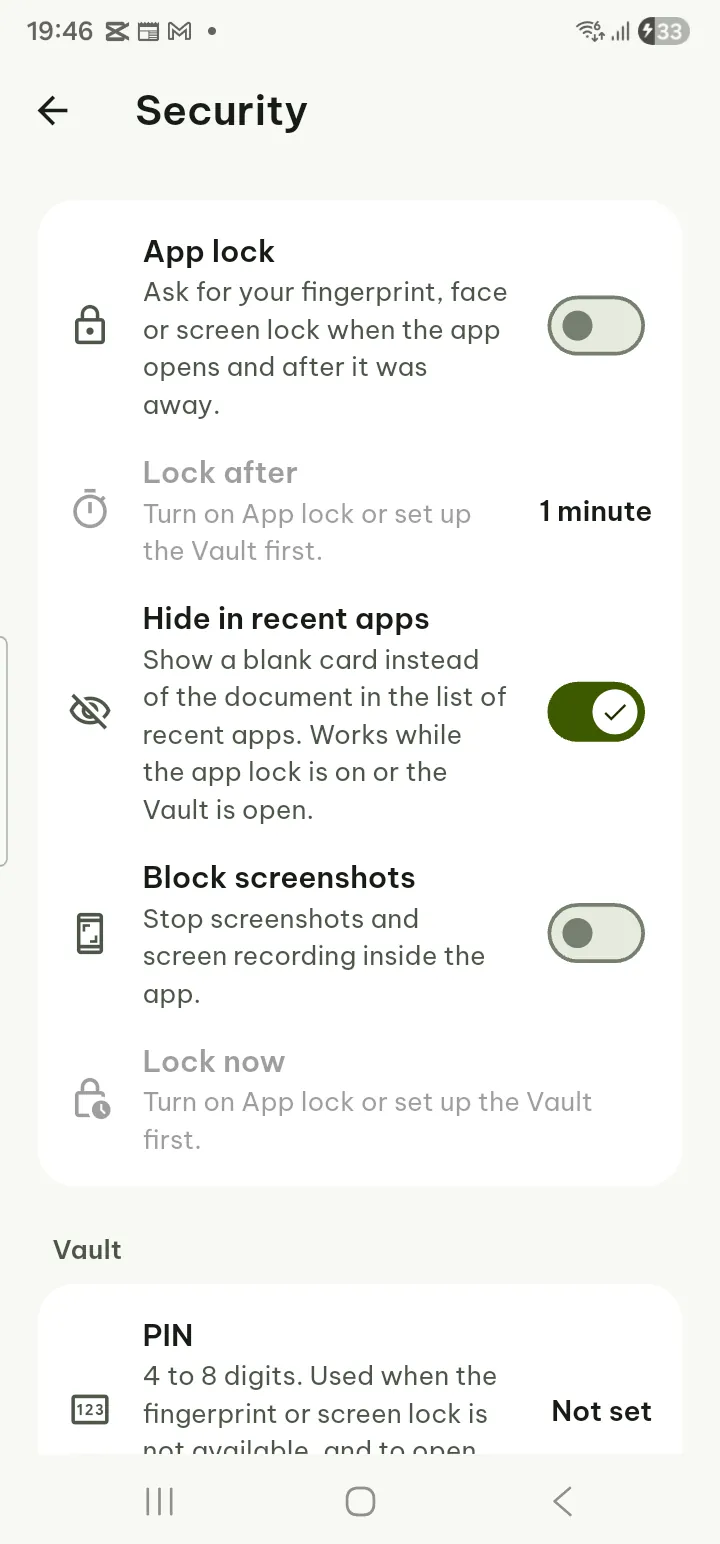
You can turn sending off at any time in Settings › Security › AI › Send text to AI. The AI buttons stay visible, but nothing is sent.
What is sent
- The text you chose: the open document, or the part of it you picked.
- What you typed: a question, or the description of a document to create.
- With Create with AI, also the passages it needs from the documents you attach, and their file names. The attached documents and photos are read on your phone; only those passages leave it.
Never the files themselves, and never your other documents.
With each request the app also sends a few things that are not your text: a random install ID that the app makes, a Google Play Integrity verdict (Google tells our server the request comes from a genuine copy of Pagiro on a genuine device), and your Pro or credit pack purchase token, which our server checks with Google Play to find your credits.
Who processes it
Our AI service at ai.pagiro.app, run by TDH Software, passes the text to Anthropic, whose model writes the answer. Both act as our service providers, and the text is processed in the United States. We use no provider that trains on the text. If we ever change the provider, we will update the privacy policy and the screen in the app first.
How long it is kept
On our side, briefly. Our service keeps the text only while the answer is written. A job is kept for at most 15 minutes, so that a dropped connection can resume, and is then deleted. Document text, questions and answers are never written to our database or our logs.
So: not stored by us, and not used for training.
On Anthropic's side: it does not use the text to train its models, and deletes inputs and outputs within 30 days. There are two exceptions, and we would rather you hear them from us:
- Content that Anthropic's safety systems flag as possibly breaking its usage policy may be kept longer, so that it can be reviewed and abuse can be stopped: up to two years for the content, and up to seven years for the safety scores.
- Content may be kept longer where the law requires it.
We cannot see these safety reviews or switch them off. Anthropic has not agreed to delete the text at once (what is called zero data retention). If that changes, we will update the policy.
Where the results live
Summaries, answers and created documents are kept only on your phone. Settings › Security › AI › Clear all AI results deletes the summaries and answers. A created document is a file like any other, and you delete it like any other. Your usage history (date, action, credits and document name) also stays on the phone.
What our server keeps
No names, e-mail addresses or document content. What it does keep is about credits and abuse, mostly as numbers and keyed hashes:
- for your credits: a keyed hash of your purchase (the wallet ID), the plan, the credit balance and the use per action each month;
- for each AI run, for 30 days: the action, its size band, the credits, the tokens, the time and the result, as numbers only;
- integrity verdicts and the results of purchase checks, for up to 30 days;
- a record per install of the 2 free Create with AI tries;
- IP addresses only as a hash, to limit abuse.
So that your credits are found again after a reinstall or on a new phone, the app also makes a random wallet key, not linked to your name, e-mail or device. Our server keeps only a keyed hash of it. The privacy policy explains where the key itself is kept.
If you report an AI result from the app, only the action, its id, the reason you chose and the app version are sent, never any text, and reports are deleted after 90 days. If you want to show us the result itself, you can choose to send it by e-mail instead: your e-mail app opens with it, and you decide whether to send.
Delete my AI data
Settings › Security › AI › Delete my AI data deletes your wallet on our server at once, after you confirm: the credit balance and plan record, the use per action, the records of your AI runs, and the links between your installs and the wallet.
Two things to know before you tap it:
- Unused credits from packs are lost and cannot be restored. Your plan's monthly credits come back with your plan the next time you use AI.
- A few records stay, because refunds and the law need them, for example the record of each credit pack bought (as a keyed hash, so a store refund can be matched) and the per-install count of free tries. None of them holds a name, e-mail address or document content. Section 7 of the policy lists them all.
Text you sent to AI is not part of this, because it was never in our database to begin with.
Age limits
The AI features are for people aged 13 and over, and 16 and over in the European Economic Area, the United Kingdom and Switzerland. The first time you use them, the app asks you to confirm your age. It keeps only that you confirmed and the age asked, on your phone, never a birth date. If you are younger, the AI features stay off and the rest of the app works as before.
Because we do not know anyone's age, our AI service gives the model the same safety rules for every request: no sexual content, no instructions for self-harm or dangerous activities, and a respectful tone. A parent or guardian with a question can write to contact@tdhsoft.com.
What it does not change
The AI features are beta and Android only, and they use AI credits. They are also the only part of Pagiro that sends document text anywhere. If you never tap an AI action, nothing in this post applies to you: your documents are read, edited and recognized on your phone, with no account and no ads.
The full text, including the legal basis, is in section 7 of the privacy policy; age rules are in section 10.