
Blog
Notes from the small team that makes Pagiro: getting real work done with documents on a phone, and what we run into while building it.
-
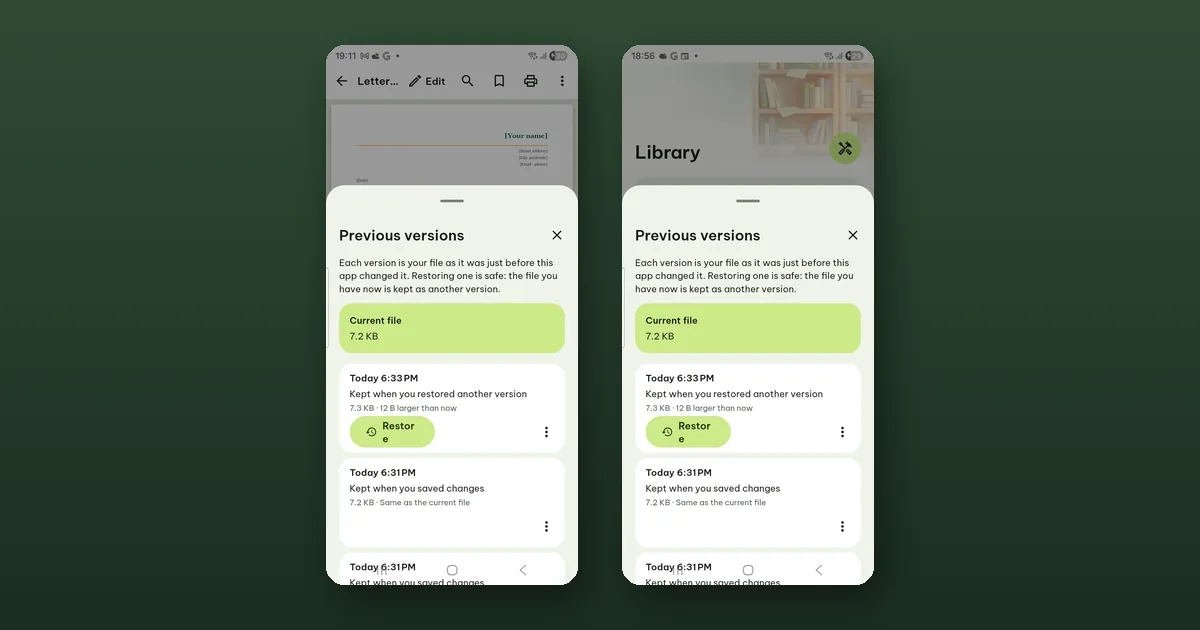 How to get back an earlier version of a document
Pagiro keeps your file as it was before each save. What is kept, for how long, how to restore it, and how much space it takes.
How to get back an earlier version of a document
Pagiro keeps your file as it was before each save. What is kept, for how long, how to restore it, and how much space it takes.
-
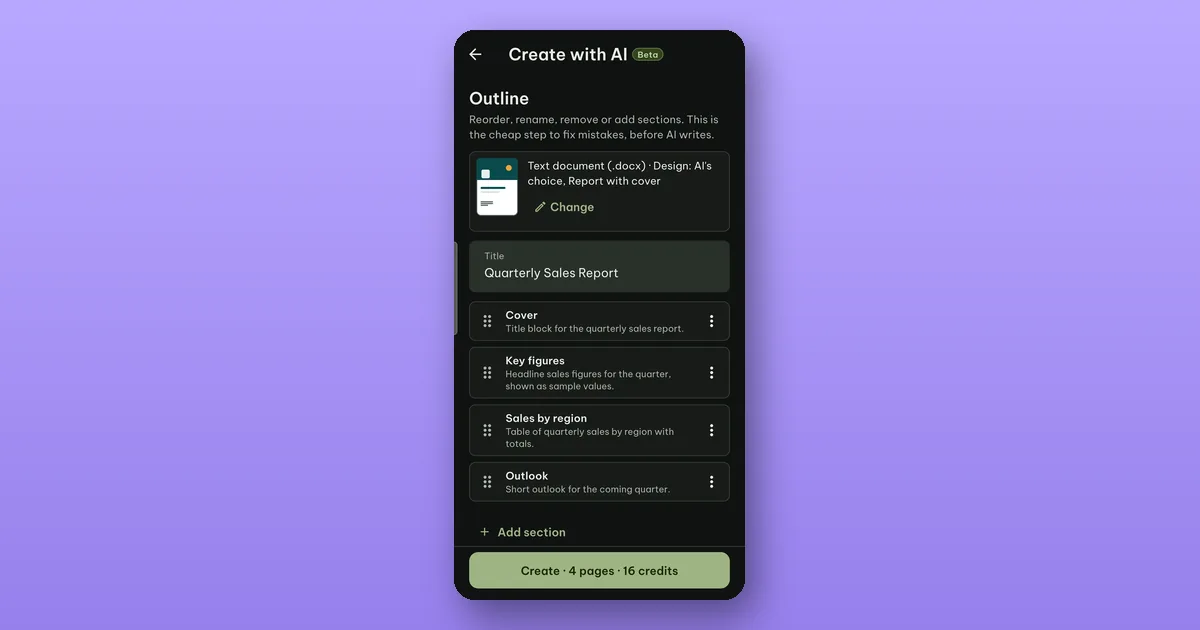 Draft a document with AI, outline first
Create with AI (beta) writes an outline you can fix before it writes the document. How it works, what each step costs, and the 2 free tries.
Draft a document with AI, outline first
Create with AI (beta) writes an outline you can fix before it writes the document. How it works, what each step costs, and the 2 free tries.
-
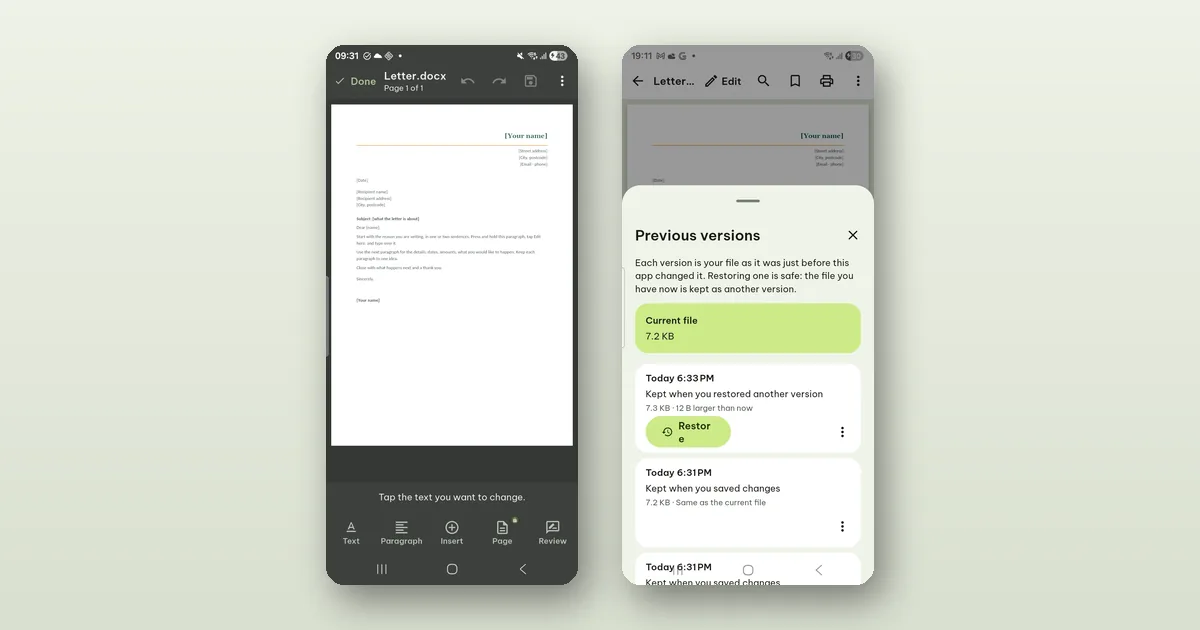 How to edit a .docx on your phone without breaking it
Pagiro saves your edits into the same .docx, keeps the parts it does not understand and keeps the version before. Here is how editing works.
How to edit a .docx on your phone without breaking it
Pagiro saves your edits into the same .docx, keeps the parts it does not understand and keeps the version before. Here is how editing works.
-
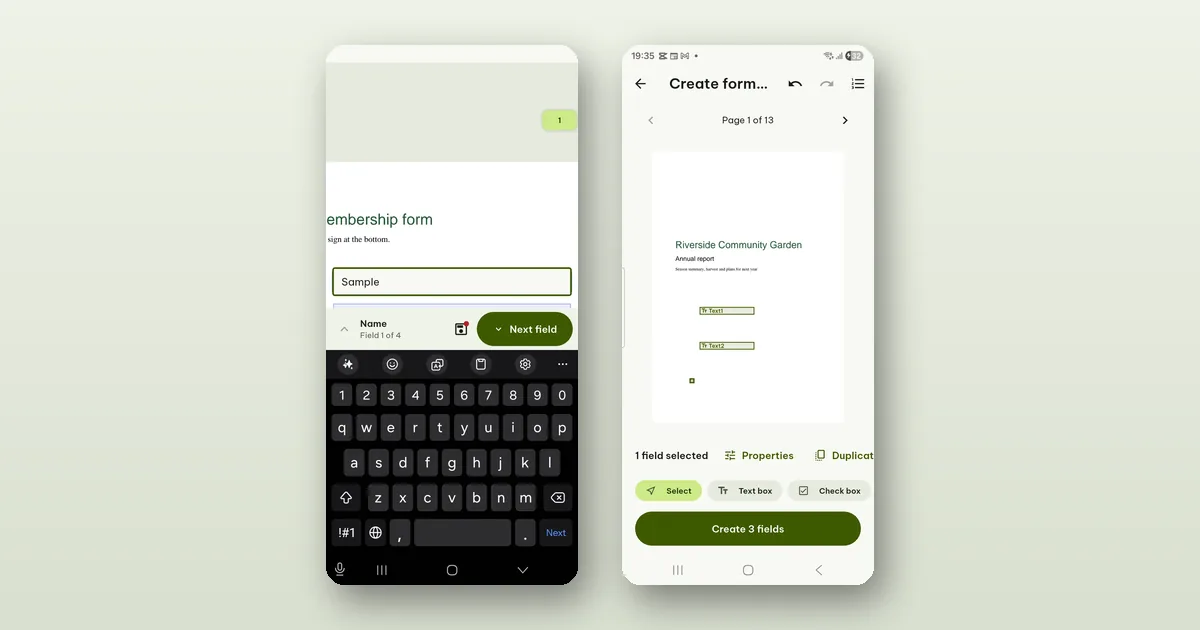 How to fill in a PDF form on your phone
Some PDF forms have real fields you can type into; many are just a printed page. How to fill in both kinds, and when a form needs Pro.
How to fill in a PDF form on your phone
Some PDF forms have real fields you can type into; many are just a printed page. How to fill in both kinds, and when a form needs Pro.
-
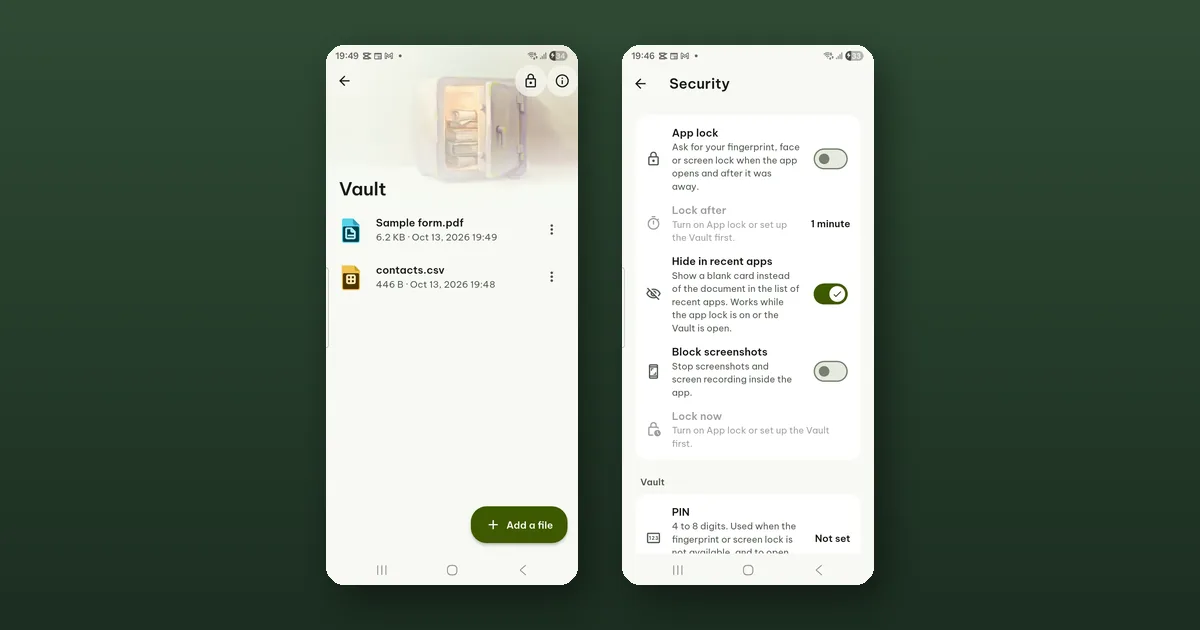 How to keep private documents in the Vault
The Vault keeps chosen documents encrypted on your phone, opened with your fingerprint, face or PIN. How to set it up, and what happens if you forget the PIN.
How to keep private documents in the Vault
The Vault keeps chosen documents encrypted on your phone, opened with your fingerprint, face or PIN. How to set it up, and what happens if you forget the PIN.
-
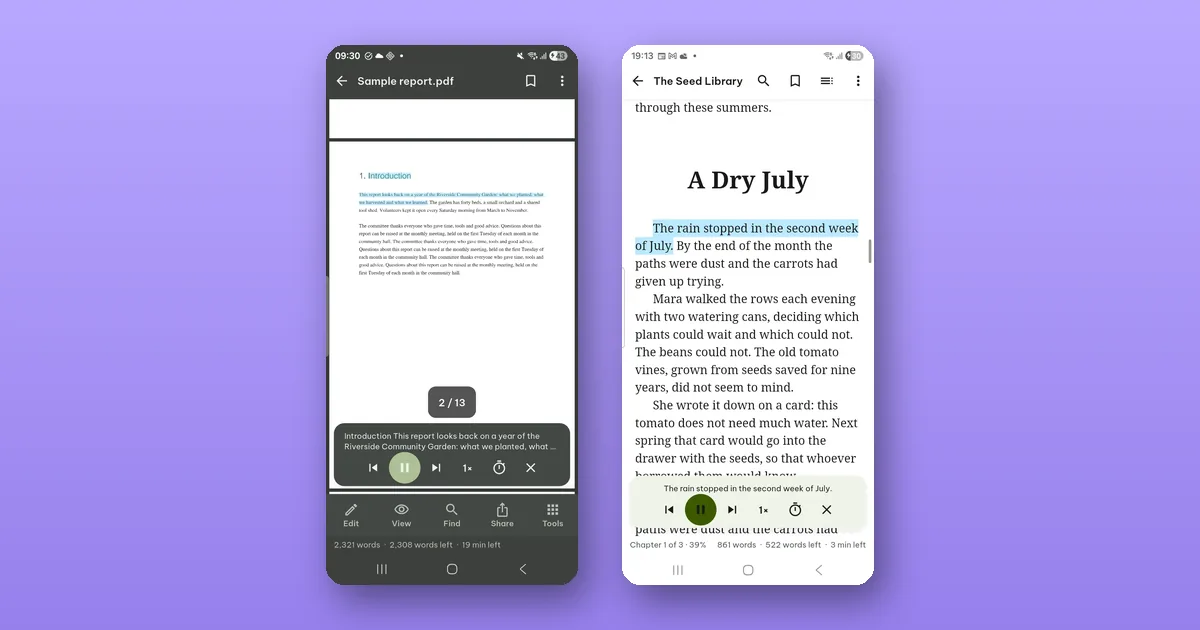 How to listen to a document instead of reading it
Read aloud turns a PDF, an e-book or a text document into speech with your phone's own voices, and keeps going with the screen off. Free.
How to listen to a document instead of reading it
Read aloud turns a PDF, an e-book or a text document into speech with your phone's own voices, and keeps going with the screen off. Free.
-
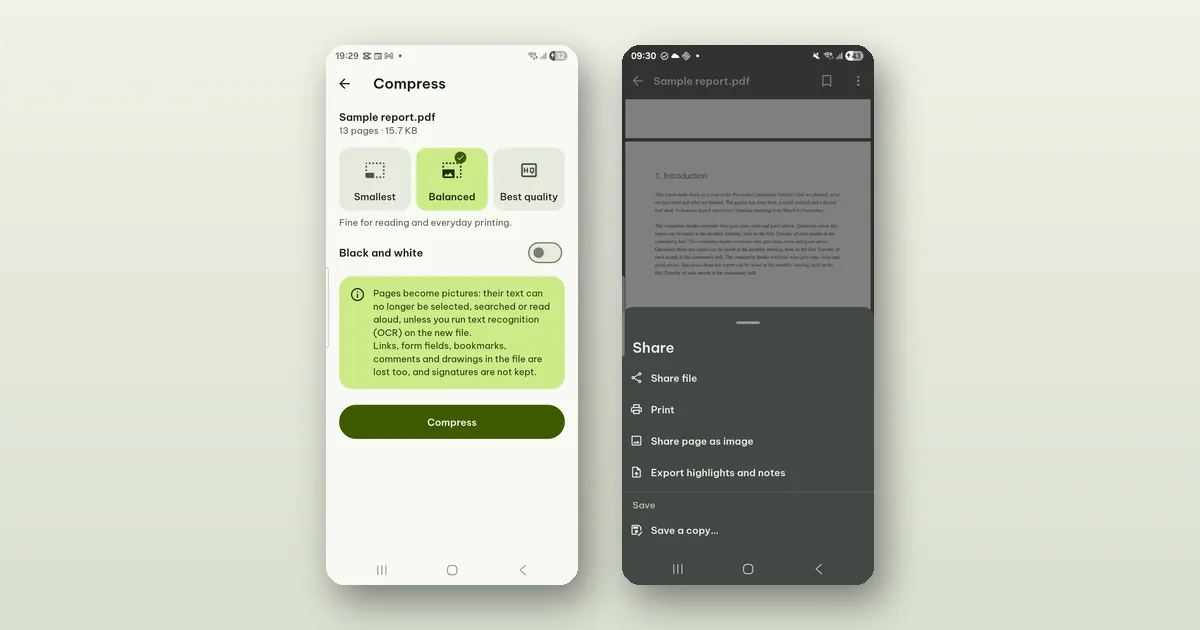 How to make a PDF small enough to e-mail
Compress PDF shrinks a file by turning pages into pictures. What you lose, when it will not help, and other ways to get under a size limit.
How to make a PDF small enough to e-mail
Compress PDF shrinks a file by turning pages into pictures. What you lose, when it will not help, and other ways to get under a size limit.
-
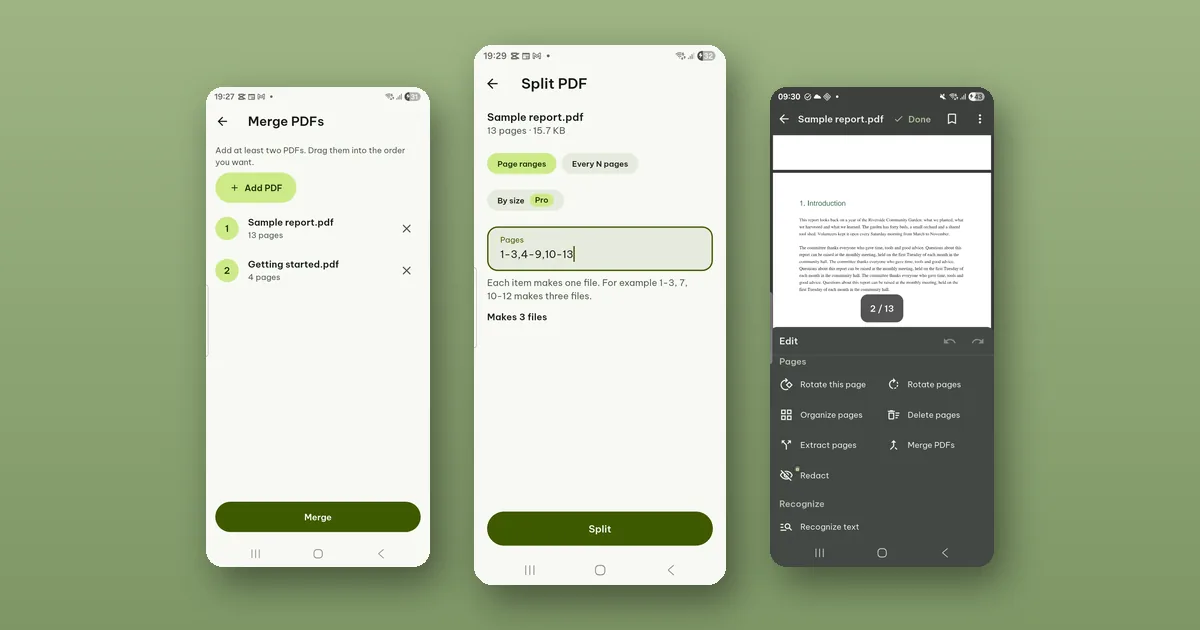 How to merge, split and reorder PDF pages on your phone
Join several PDFs into one, split one into several, and move, turn or delete pages. All free, and your original file is never changed.
How to merge, split and reorder PDF pages on your phone
Join several PDFs into one, split one into several, and move, turn or delete pages. All free, and your original file is never changed.
-
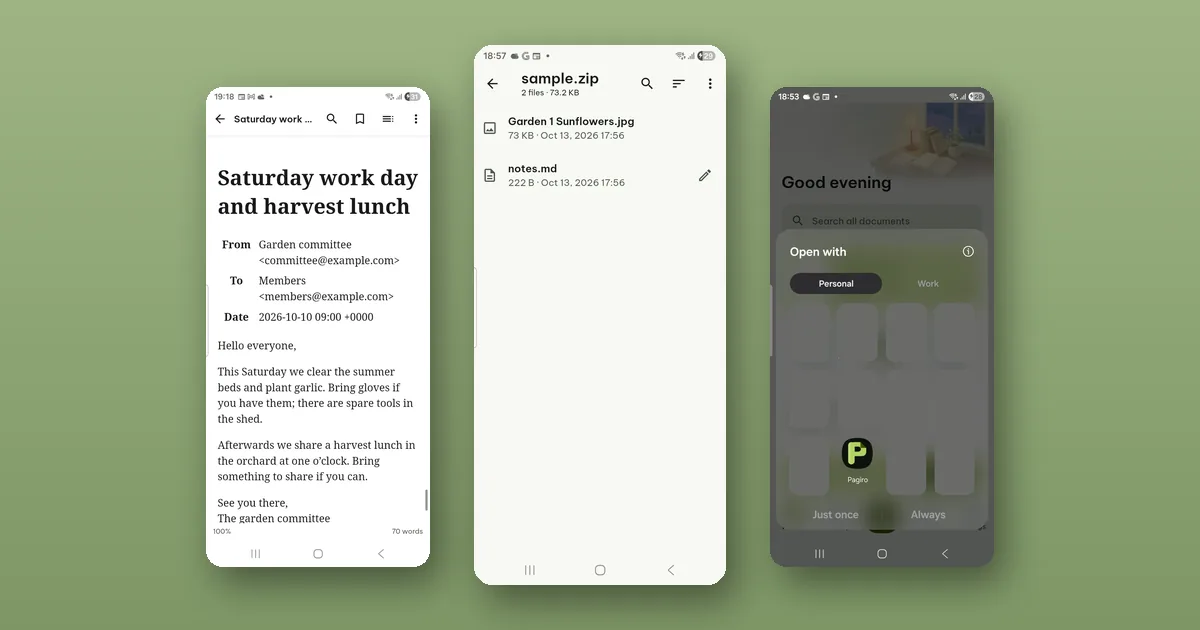 Open e-mail files and ZIP archives on your phone
Pagiro opens saved .eml and .msg messages, ZIP, 7z, TAR and GZ archives, and files sent from other apps with Open with. Nothing in them is run.
Open e-mail files and ZIP archives on your phone
Pagiro opens saved .eml and .msg messages, ZIP, 7z, TAR and GZ archives, and files sent from other apps with Open with. Nothing in them is run.
-
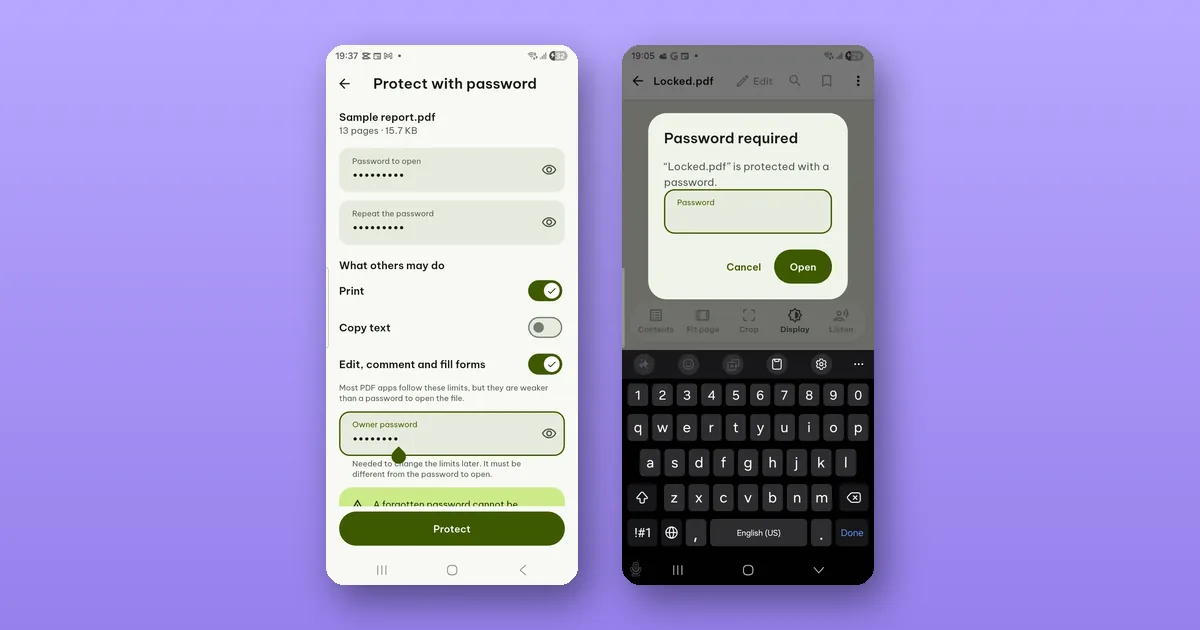 How to password-protect a PDF, and what the password stops
Add a password to open a PDF, set what others may do with it, and open protected PDFs you receive. Plus the difference between a password and limits.
How to password-protect a PDF, and what the password stops
Add a password to open a PDF, set what others may do with it, and open protected PDFs you receive. Plus the difference between a password and limits.
-
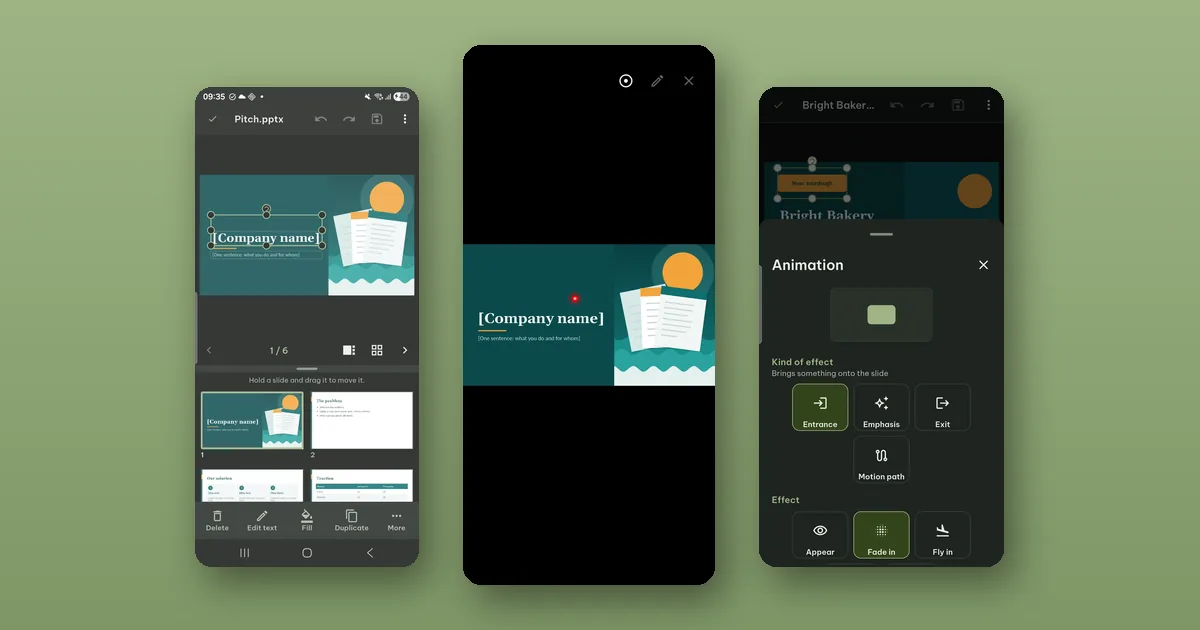 How to edit and present slides from your phone
Fix a slide in a .pptx minutes before you present, then run the slide show from your phone with a laser pointer, a pen and your notes.
How to edit and present slides from your phone
Fix a slide in a .pptx minutes before you present, then run the slide show from your phone with a laser pointer, a pen and your notes.
-
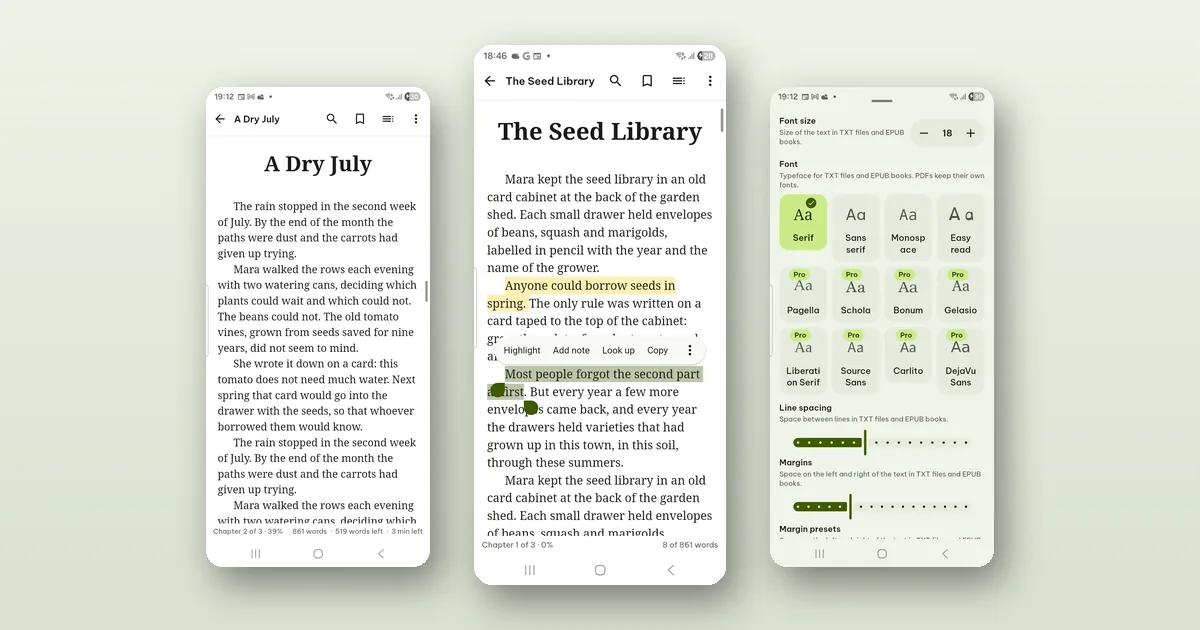 Read e-books on your phone and keep your highlights
Pagiro reads EPUB, MOBI, AZW3 and FB2 books without DRM. Set the text the way you like it, highlight, add notes, look up words offline and export it all.
Read e-books on your phone and keep your highlights
Pagiro reads EPUB, MOBI, AZW3 and FB2 books without DRM. Set the text the way you like it, highlight, add notes, look up words offline and export it all.
-
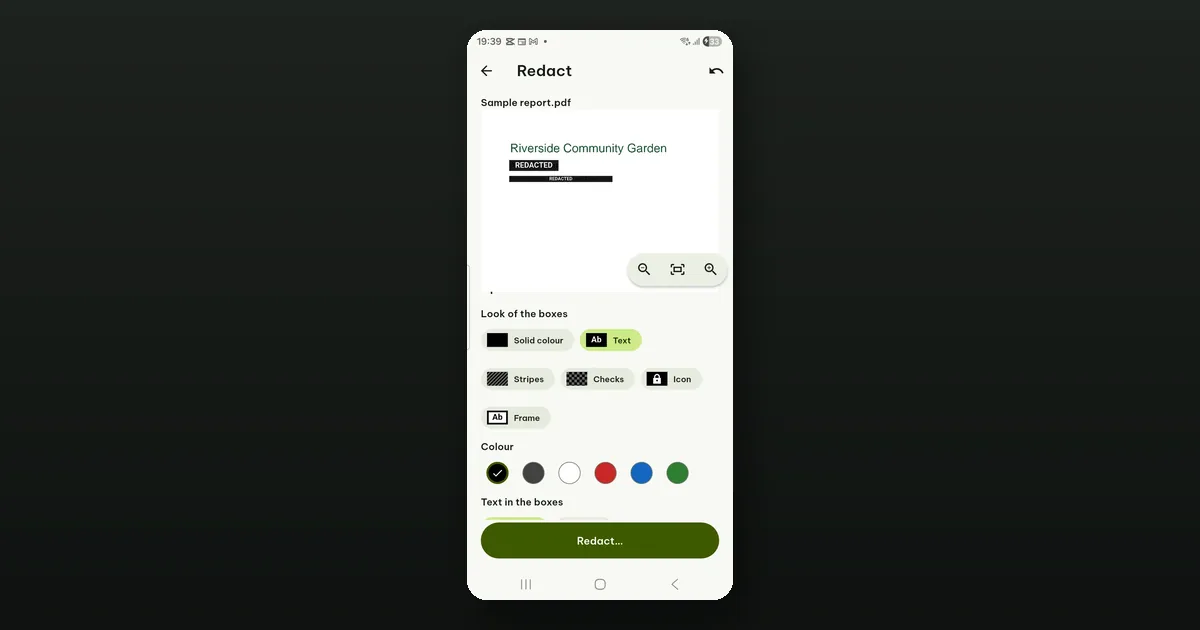 How to redact a PDF so the text is really gone
A black box drawn over text hides it on screen but leaves it in the file. What real redaction removes, how Redact in Pagiro works, and its limits.
How to redact a PDF so the text is really gone
A black box drawn over text hides it on screen but leaves it in the file. What real redaction removes, how Redact in Pagiro works, and its limits.
-
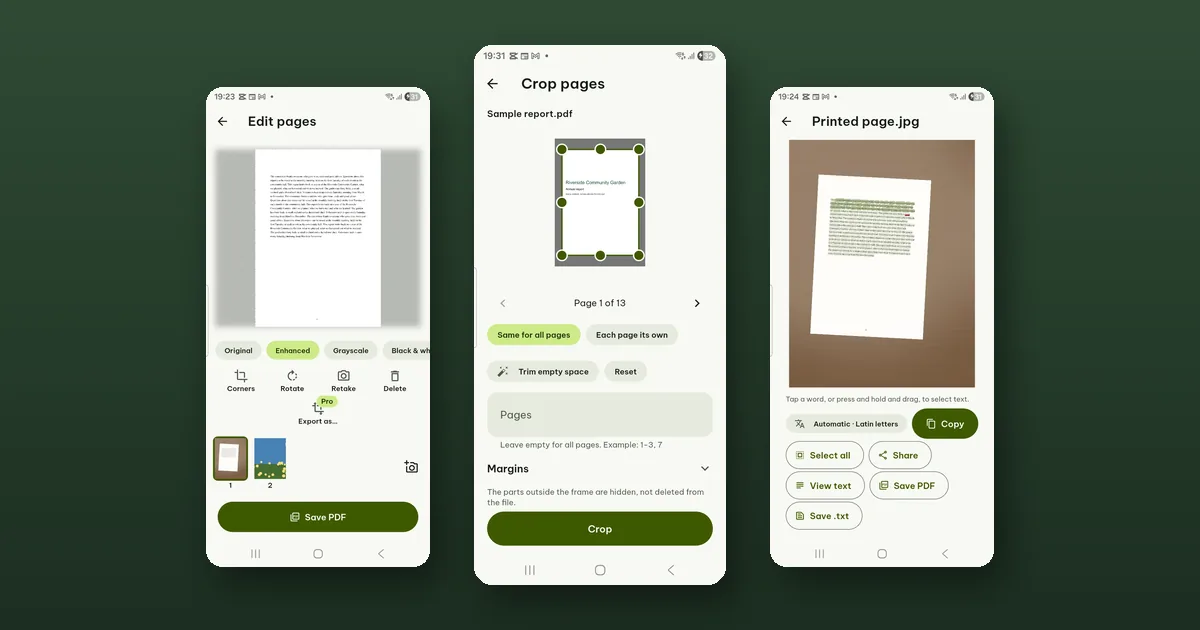 How to scan paper to a searchable PDF
Photograph the pages, straighten and clean them up, and save a PDF whose text you can search and copy. Text recognition runs on your phone.
How to scan paper to a searchable PDF
Photograph the pages, straighten and clean them up, and save a PDF whose text you can search and copy. Text recognition runs on your phone.
-
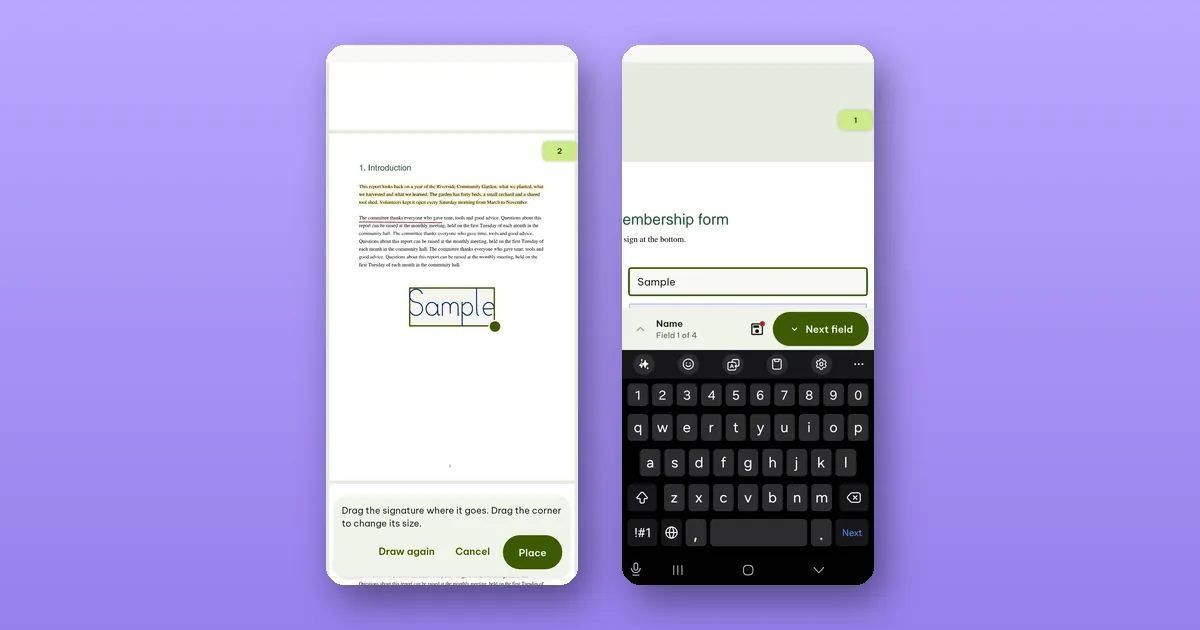 How to sign a PDF on your phone
Draw or type your signature once, place it on the page and resize it. Plus what a signature added in an app proves, and what it does not.
How to sign a PDF on your phone
Draw or type your signature once, place it on the page and resize it. Plus what a signature added in an app proves, and what it does not.
-
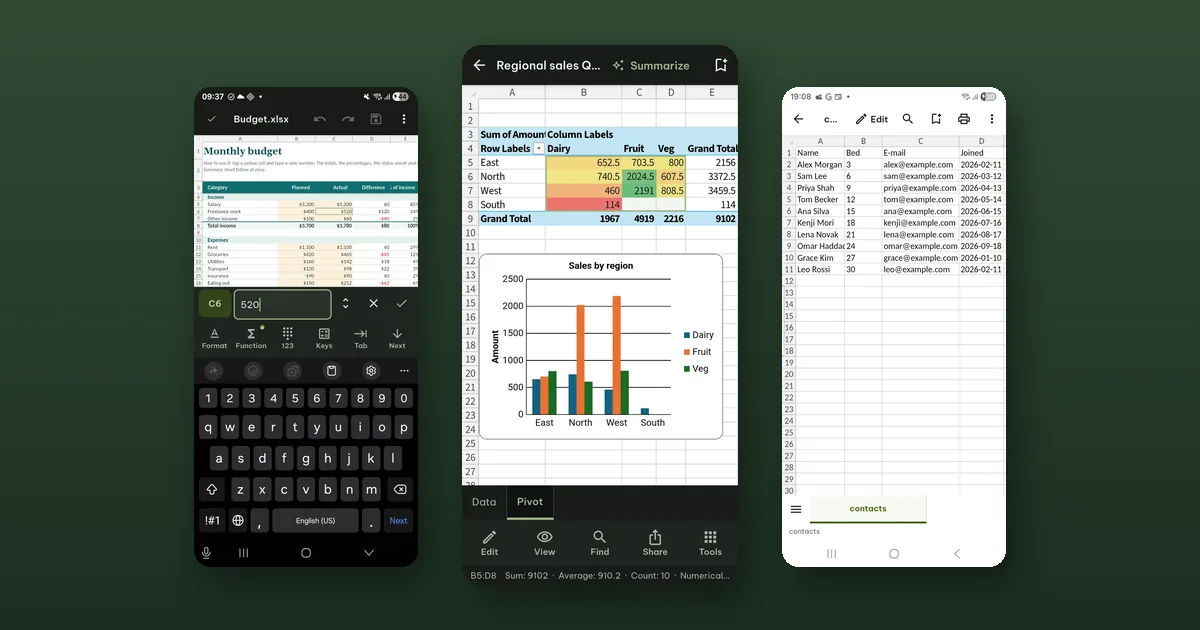 Working in a spreadsheet on a small screen
What works well in a .xlsx on a phone: editing cells and formulas, reading charts, refreshing pivot tables. What is free, what needs Pro, and the limits.
Working in a spreadsheet on a small screen
What works well in a .xlsx on a phone: editing cells and formulas, reading charts, refreshing pivot tables. What is free, what needs Pro, and the limits.
-
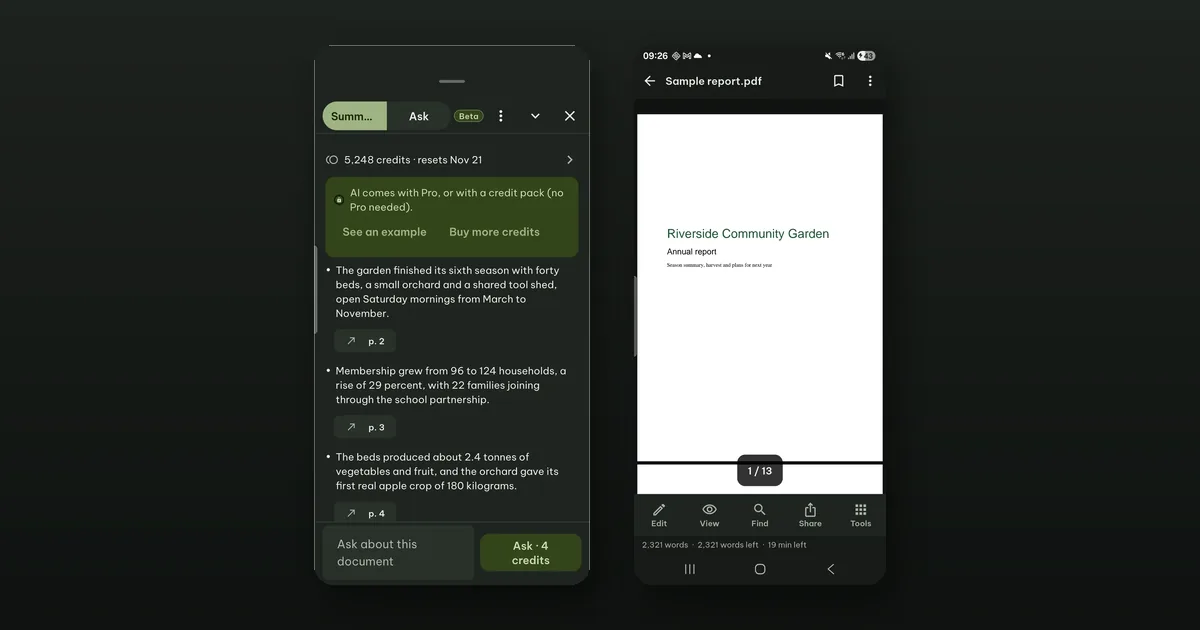 How to summarize a long PDF and check every point
Summarize (beta) gives a long document's key points, each with a link to its page. What it costs, when stopping is free, and why you should still check.
How to summarize a long PDF and check every point
Summarize (beta) gives a long document's key points, each with a link to its page. What it costs, when stopping is free, and why you should still check.
-
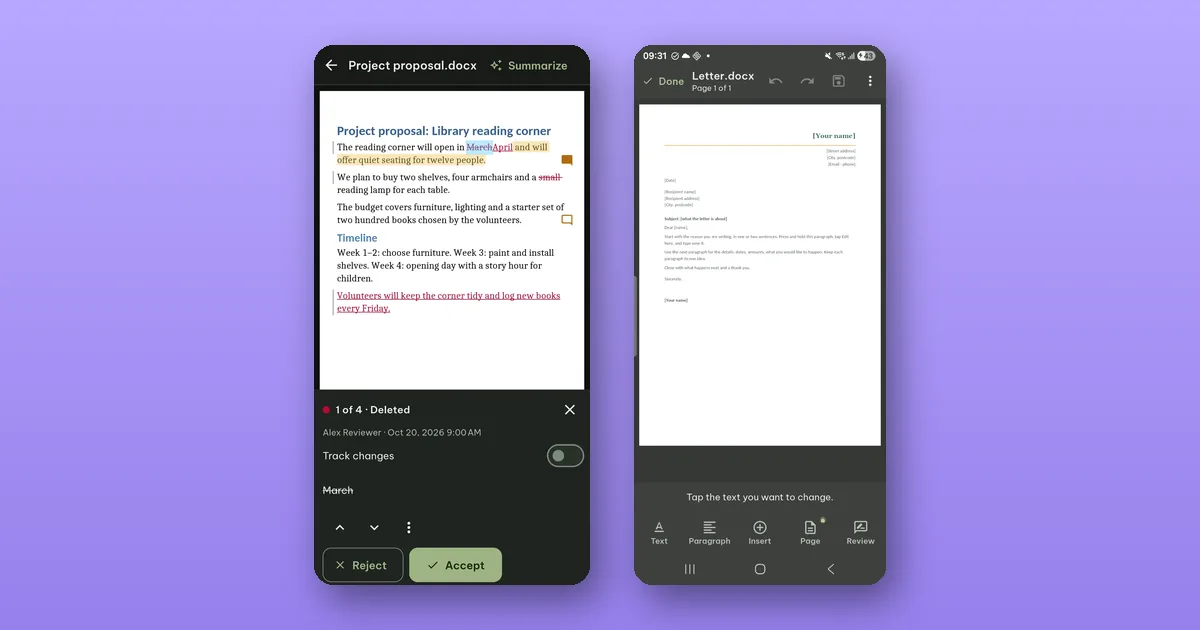 How to review tracked changes and comments on your phone
Someone sent you a .docx full of tracked changes. See who changed what, accept or reject each change, read the comments and send it back.
How to review tracked changes and comments on your phone
Someone sent you a .docx full of tracked changes. See who changed what, accept or reject each change, read the comments and send it back.
-
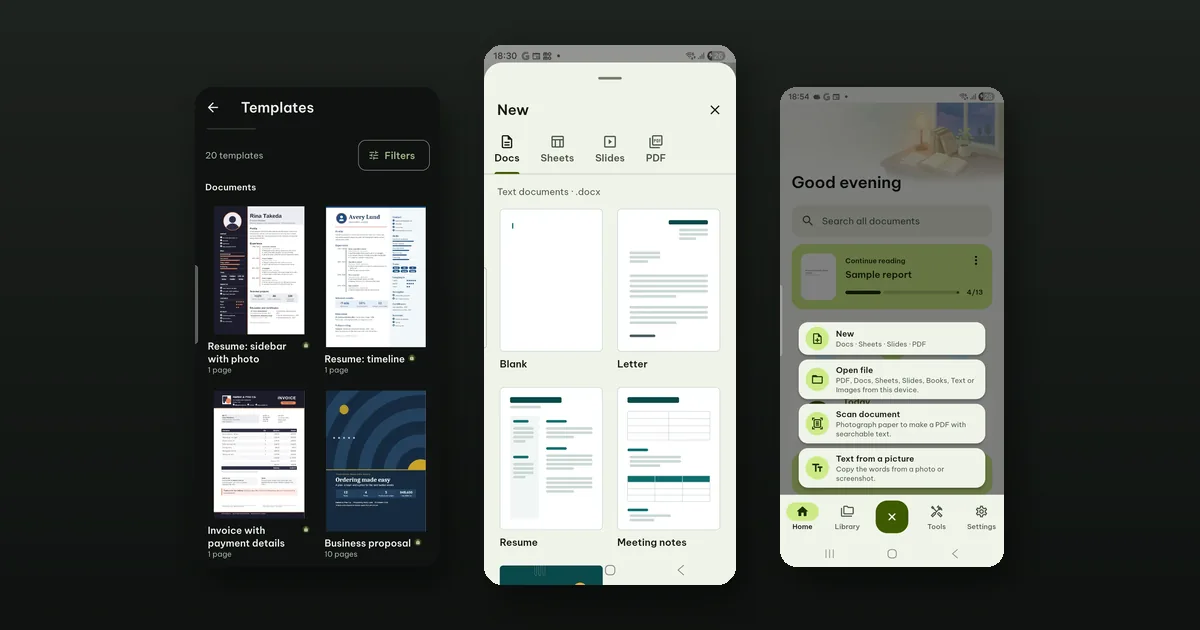 Twenty templates that work offline
20 ready-made documents, spreadsheets, slides and fillable PDF forms, built into Pagiro. Previews are free; making a file needs Pro.
Twenty templates that work offline
20 ready-made documents, spreadsheets, slides and fillable PDF forms, built into Pagiro. Previews are free; making a file needs Pro.
-
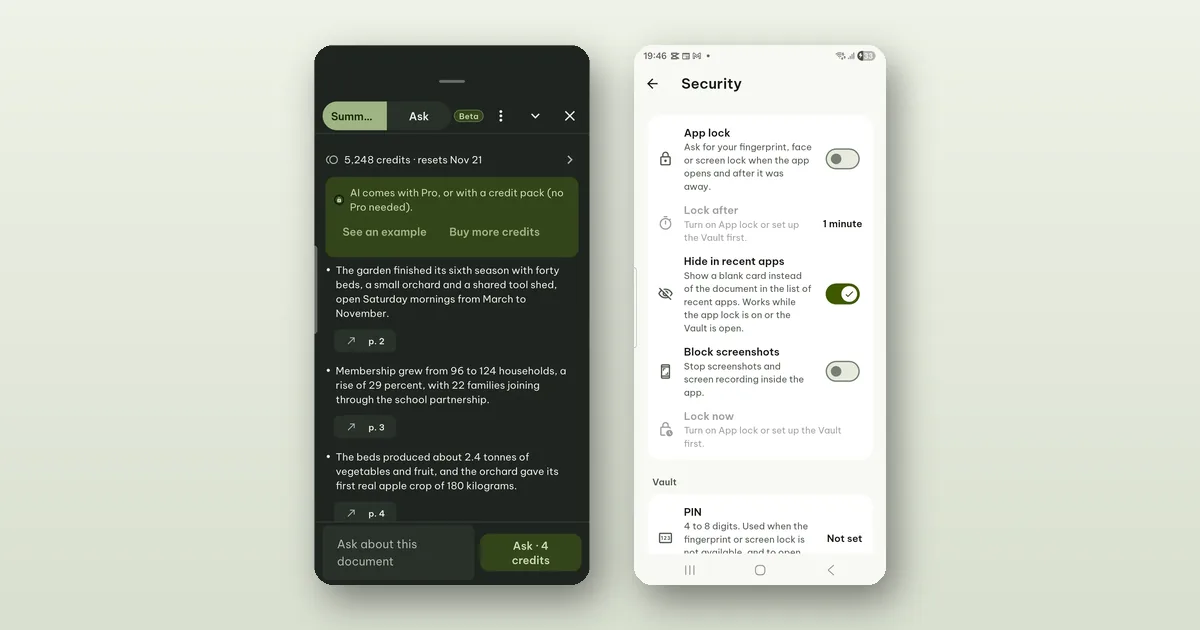 What happens to your text when you use AI in Pagiro
What Summarize, Ask and Create with AI send, who processes it, how long it is kept, what our server keeps, and how to delete it.
What happens to your text when you use AI in Pagiro
What Summarize, Ask and Create with AI send, who processes it, how long it is kept, what our server keeps, and how to delete it.
-
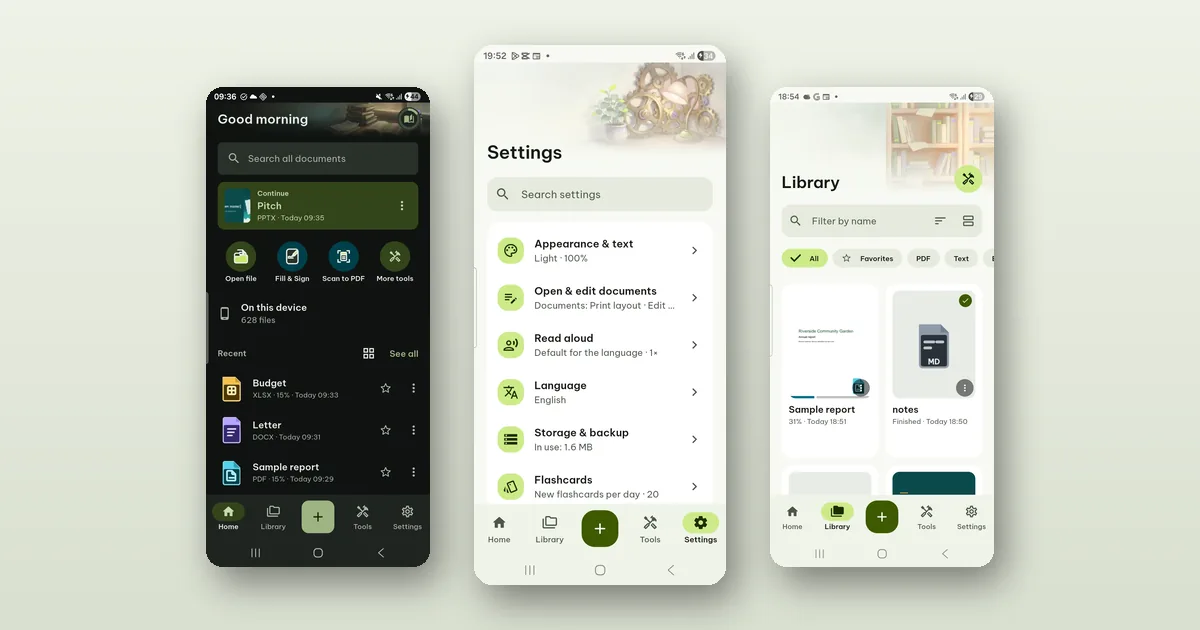 Why Pagiro has no ads and no account
How Pagiro is paid for (free everyday tools, Pro plans, credit packs for AI), what stays on your phone, and the trade-offs of building it this way.
Why Pagiro has no ads and no account
How Pagiro is paid for (free everyday tools, Pro plans, credit packs for AI), what stays on your phone, and the trade-offs of building it this way.