
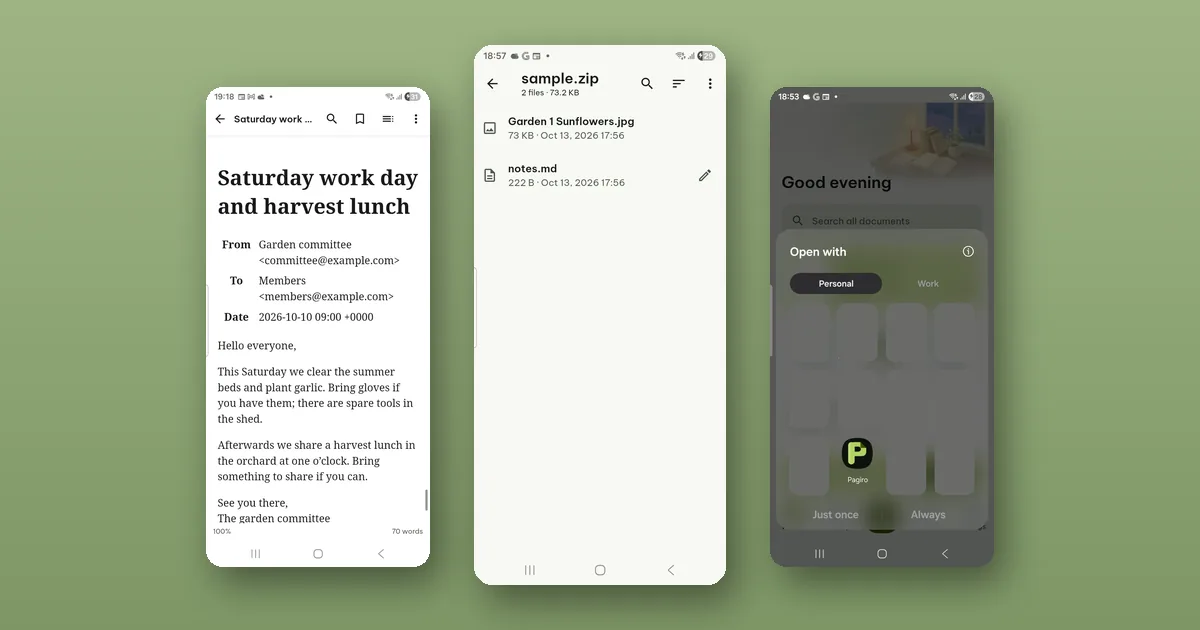
Someone sends you a forwarded message saved as a file, or a ZIP with twelve scans in it, and your phone shows a list of apps that cannot open it. Pagiro can open both, for free, and nothing inside them is run.
Getting the file into Pagiro
You rarely need to find the file again in a file manager. Where you see it, tap it:
- In a file manager, e-mail or chat app, tap the file and choose Pagiro under Open with.
- Or use Share and pick Pagiro.
- From inside Pagiro, + › Open file opens the system file picker.
Opened this way, Pagiro receives only the file you chose, and it sends nothing about the file to us. If you would rather see the files already on your phone in one list, Library › On this device (Android 11 and later) does that; it asks for access to all files only when you use it, and everything else works without it. Pagiro also looks at what is inside a file, not only at its name.
E-mail files (.eml and .msg)
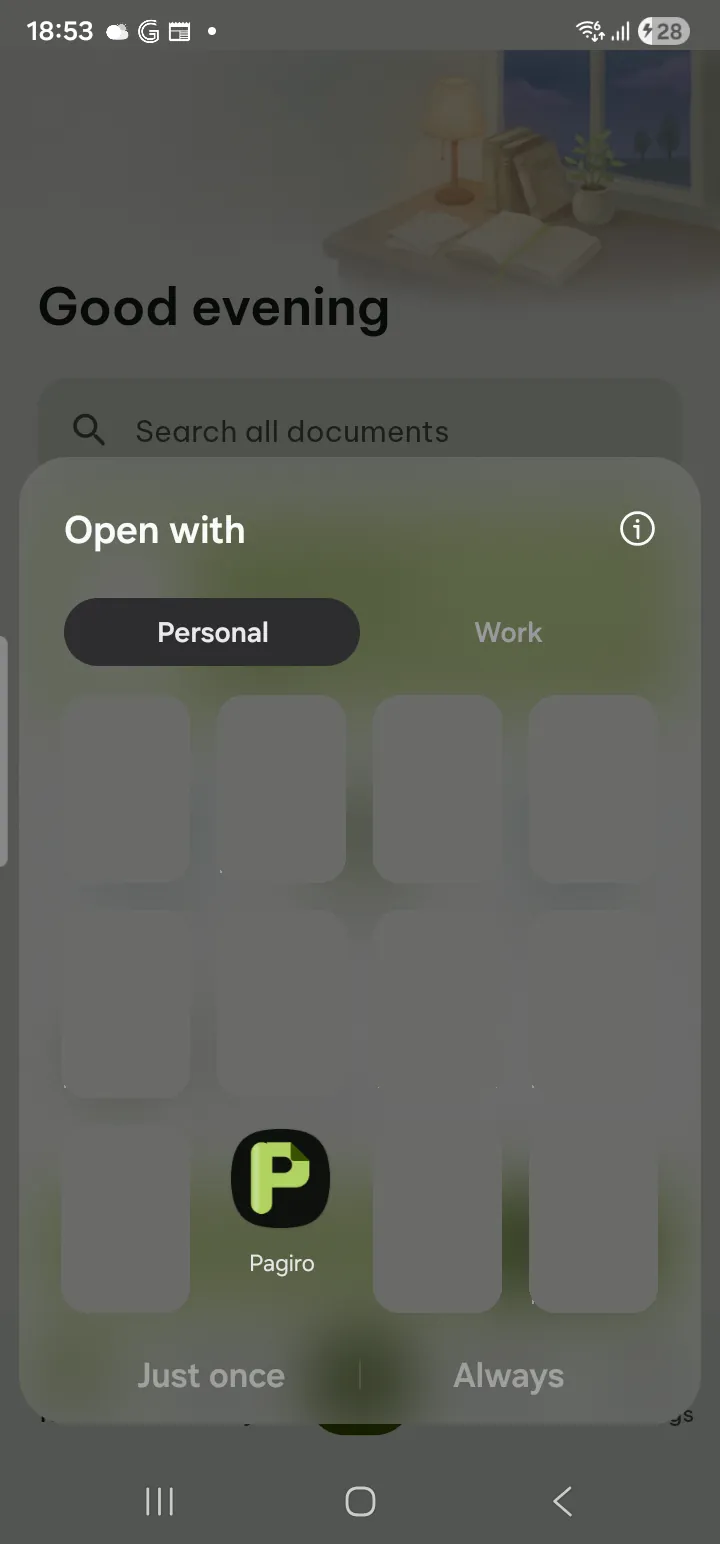
A saved e-mail opens like a document. At the top you see the sender, the recipients, the date and the subject, then the message itself.
Two things are different from opening the same message in a mail app:
- Nothing is loaded from the internet. Pictures linked from a web server are not fetched, so an image that reports back when a message is opened has nothing to report.
- Attachments are never run. ⋯ › Attachments lists them. You can open each one, save it or share it. Opening one only shows it in Pagiro.
An attached PDF, document, spreadsheet or picture opens in the matching reader. A kind of file Pagiro cannot show can still be saved or shared, so you can pass it to the right app. Very large attachments may be too big to open inside the message; the app says so.
The message is read only. You can save it as PDF or print it, which helps when someone asks for "that e-mail" as a document.
ZIP and other archives
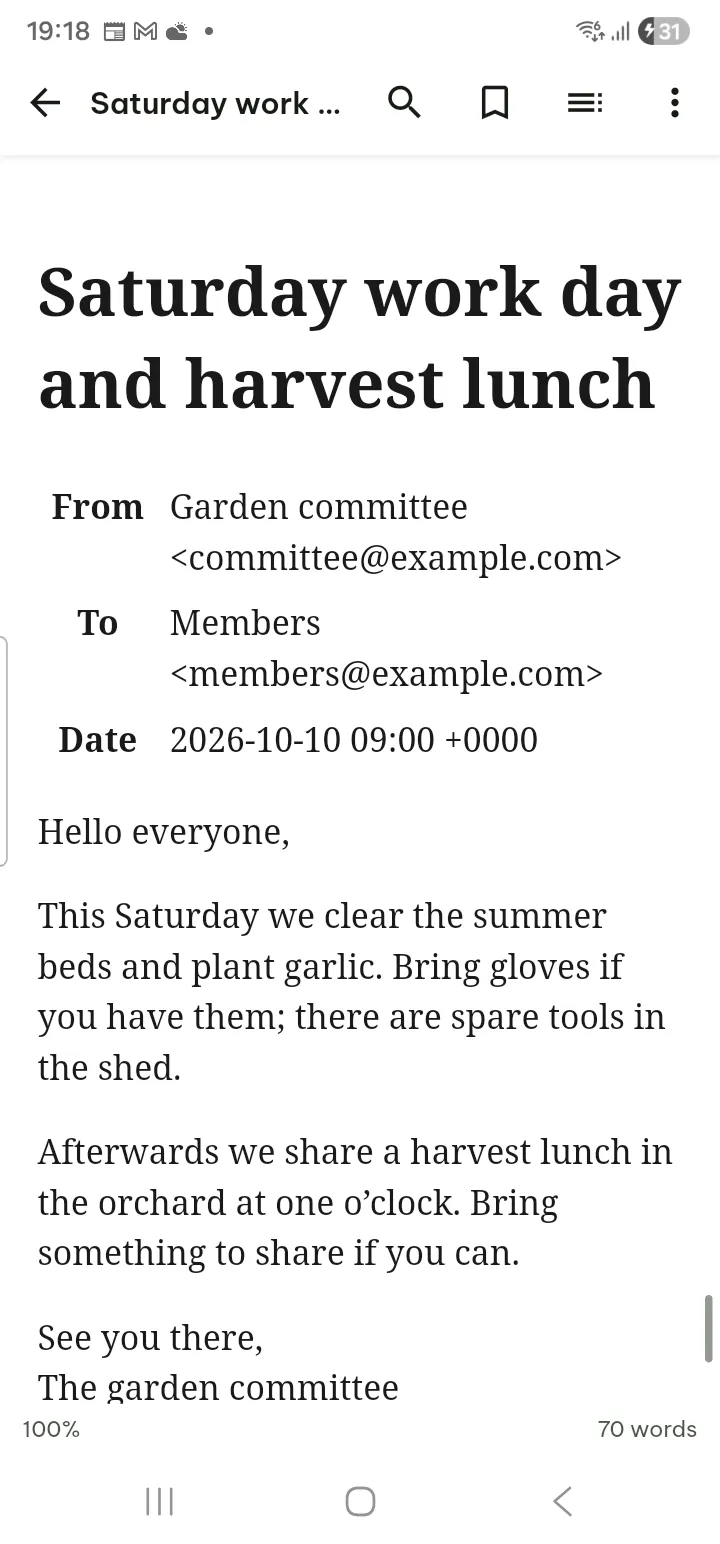
.zip, .7z, .tar, .tgz and .gz files open in an archive browser. Tap an item to open it. In a big archive, Search names and Sort help you find the one file you need.
Pagiro does not unpack the whole archive onto your phone. Files are unpacked one at a time, into a private folder that is cleared afterwards. Nothing piles up in your Download folder.
To take files out for good, tap Select, choose them, and tap Save… or Share. Save all as ZIP… saves everything as one .zip, which is a quick way to turn a .7z or .tar into a format almost any phone or computer can open.
Names that look like nonsense
Archives made on a computer set to another language sometimes show file names as strings of odd characters. File name encoding lets you choose how the names are read (for example Chinese, Japanese or Korean encodings), and the names come out right.
Password-protected archives
Pagiro asks for the password. It is used only for that moment and is not saved.
Fixing a text file inside a ZIP
This one is useful more often than you would think: a typo in a README, a setting in a config file, a line in a .csv. Tap the pencil next to the text file, make the change, and tap Save. Then choose:
- Update the file inside the ZIP: every other file stays exactly as it was, and the old ZIP is kept as a previous version, so you can go back.
- Save as a separate file: the ZIP is not touched.
Only ZIP files can be updated, and not when the ZIP is inside another archive, opened read only, damaged or very large. In those cases Pagiro offers only a separate file and says why.
What does not open
RAR files are not supported, and neither are archives split into several parts. Archives inside archives open only a few levels deep. Of comic archives, .cbz and .cbt open in the comic reader; .cbr and .cb7 do not.
The guide has the steps under ZIP and other archives and E-mail and notebooks, and every format is on the formats page.