
Pagiro user guide
Short, step-by-step help for everything in Pagiro. Button names are written as they appear in the app, in bold; ⋯ is the menu button at the top right of a screen. Features marked Pro need Pagiro Pro.
Home, Library and opening filesOpen files, the + menu, Home, the Library, search inside documents, previous versions, ZIP archives.
Reading and editing PDFPages, zoom, reading view, search, highlights and notes, drawing, forms, signatures, editing text, read aloud.
Documents, spreadsheets and slidesNew documents and templates, editing .docx, .xlsx, .csv and .pptx, presenting, text files.
E-books, study and other filesEPUB and other books, narration, dictionaries, flashcards, pictures, comics, e-mail, notebooks.
Scan and PDF toolsScan, text from a picture, images to PDF, and every tool in the Tools tab.
Vault, backup, settings and ProVault and app lock, statistics, backup and restore, settings, privacy, feedback, Pro plans.
Getting started
- Install Pagiro and open it. The welcome pages can be seen again with Settings › Help & about › Replay welcome.
- Open a document: tap + › Open file, or open a file from another app and choose Pagiro.
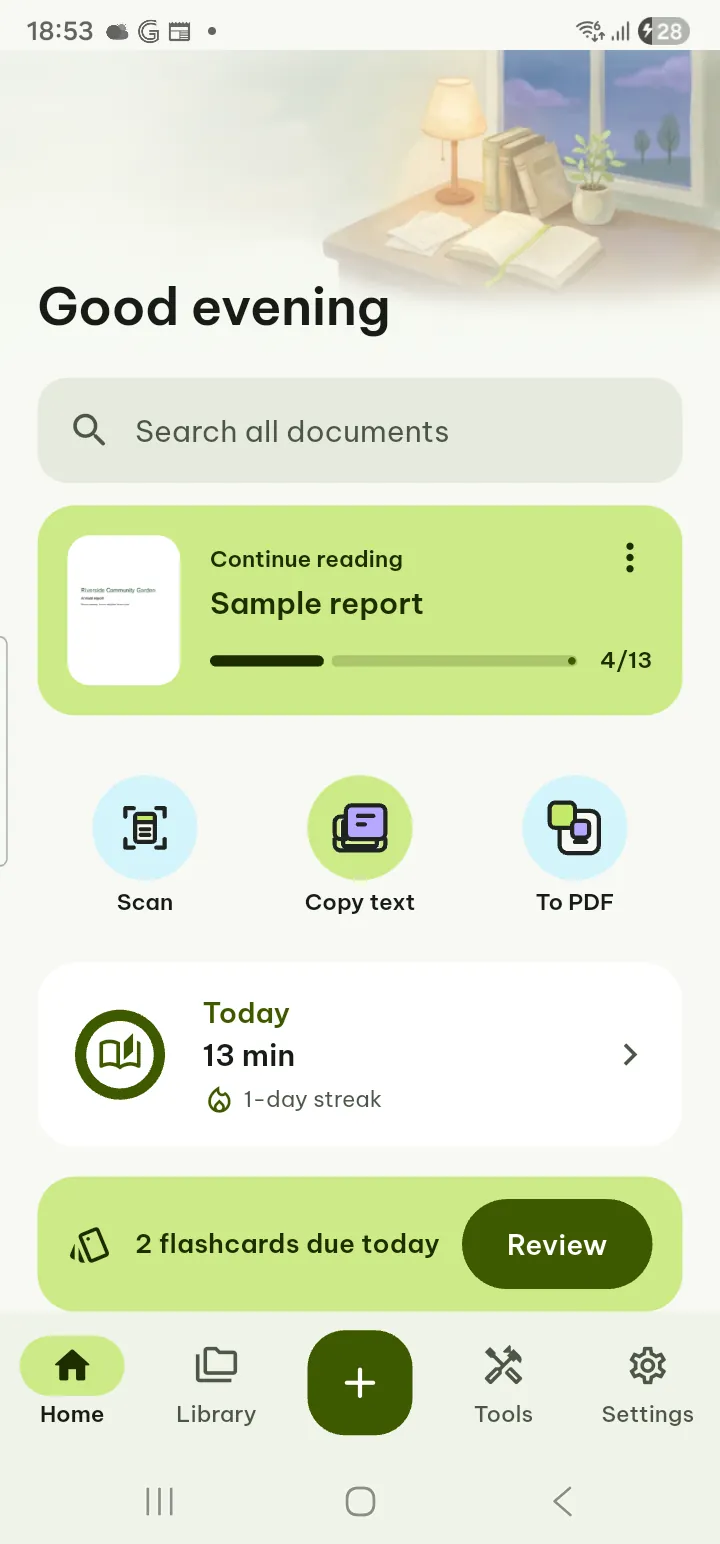
- The bar at the bottom takes you to Home, Library, the + menu, Tools and Settings.
- Tap the page of an open document to show or hide its bars. In PDFs, text documents in Page layout, spreadsheets and slides the bar at the bottom has Edit, View, Find, Share and Tools; in Reading view, books and other files ⋯ has the rest.
Pagiro works offline, except for the AI features, which need the internet. Your documents are read, edited, scanned and recognized on your phone; there is no account and no ads.
Common tasks
- Scan paper to a PDF
- Text from a picture
- Fill in a PDF form and sign it
- Merge PDFs or make one smaller
- Edit a .docx document
- Highlight and take notes
- Have a document read aloud
- Find a word in all your documents
- Get back an earlier version of a file
- Back up your bookmarks and highlights
Which files Pagiro opens and edits: file formats. Something not working? See support.