User guide › E-books, study and other files
E-books, study and other files
EPUB, MOBI, AZW3 and FB2 books, Markdown and HTML pages, e-mail and notebooks open in the same flowing reader. Pictures, comics and archives have viewers of their own. All of it is free, except the extra reading styles marked Pro.
- Reading a book
- Text settings
- Highlights and notes
- Read aloud and narration
- Dictionaries
- Flashcards and review
- Pictures
- Comics
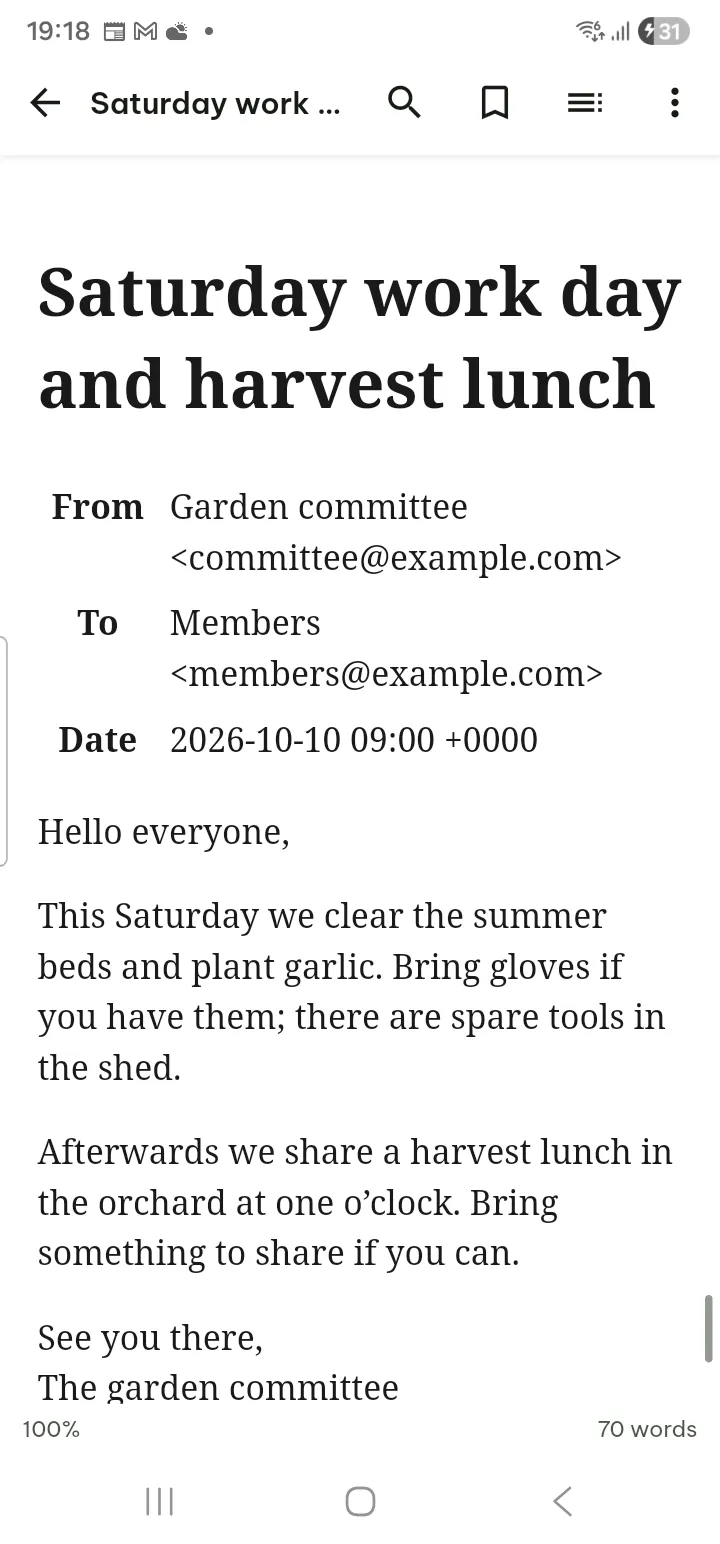
- E-mail and notebooks
Reading a book
- Swipe or tap the edges to turn pages. Tap the middle to show the bars.
- Contents opens the drawer: Contents, Bookmarks, Highlights, Print pages (when the book has them), Landmarks and Recent positions.
- Search finds text in the whole book; ⋯ in the search bar has Whole words and All results.
- The bookmark button marks the current place.
- ⋯ › Mark as finished takes the book off the Continue reading card (in the Your reading panel on Home).
Books with DRM cannot be opened. EPUB files are read only; your highlights and notes are kept in the app.
Text settings and display
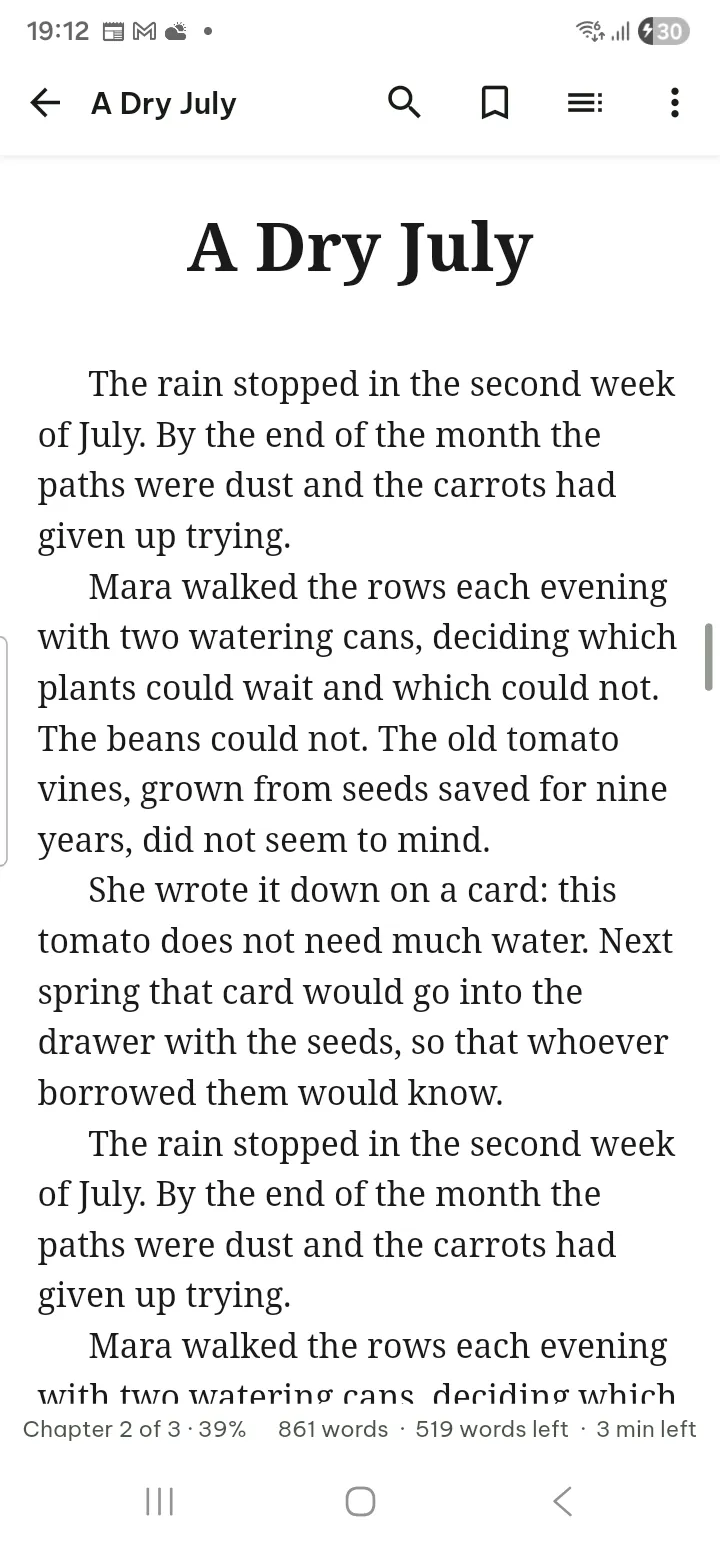
- Tap ⋯ › Text settings.
- Set the Font size, Font (Serif, Sans serif, Monospace, Easy read; eight more typefaces are Pro), Line spacing, Margins and Line length (Full width is free; Narrow, Comfortable and Wide are Pro).
- Choose the Layout (Pages or Scroll), the Page turn effect, Two pages side by side, Turn pages with the volume buttons, and whether to keep the Publisher's formatting.
⋯ › Display sets the theme and page color as in the PDF reader.
Highlights and notes
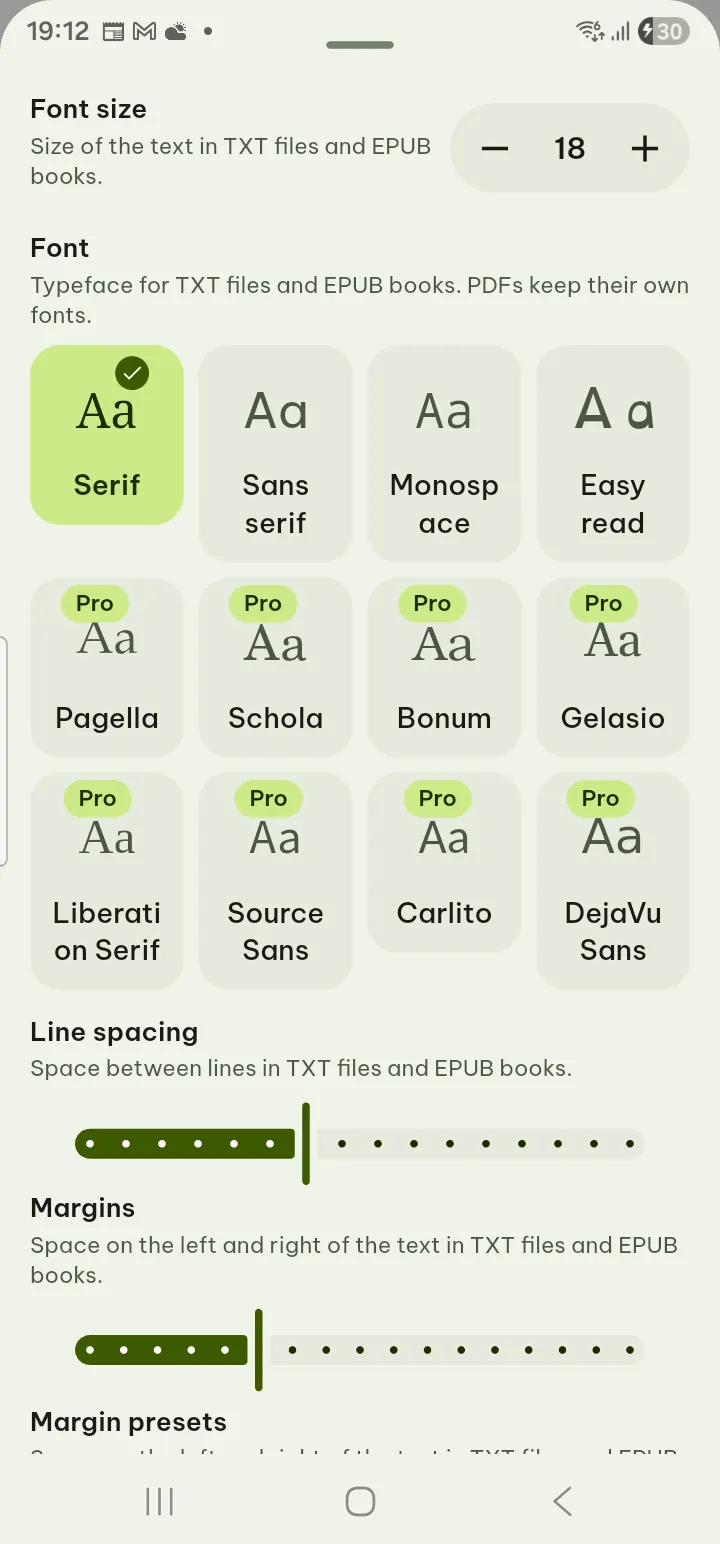
- Press and hold a word and drag to select.
- Choose Highlight, Add note, Look up, Search in document or Share text.
- Tap a highlight to edit its note, Make flashcard or delete it.
Contents › Highlights lists them all, with Export highlights. From the Library, a document's menu has Export highlights and notes as PDF, .docx, Markdown, HTML or plain text.
Read aloud and narration
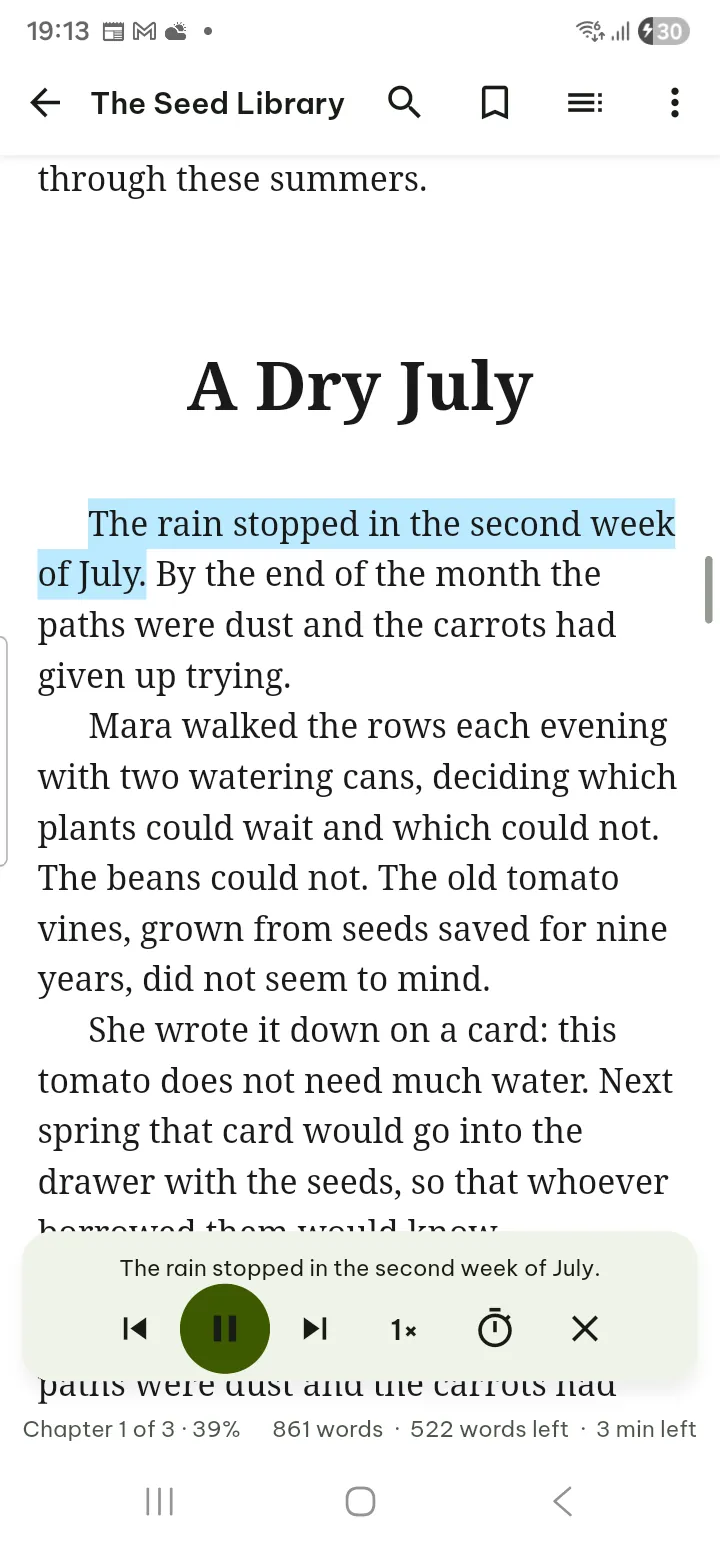
- ⋯ › Read aloud reads the book with your phone's voices. The panel has previous and next sentence, Speed, Sleep timer (including End of chapter) and Stop reading. It keeps going with the screen off.
- Books that come with recorded narration (EPUB 3 media overlays) offer ⋯ › Play the book's own narration, which highlights the text as it is read.
- Voice, speed and Skip headers, footers and page numbers are in Settings › Read aloud.
Dictionaries
Look up words offline in dictionaries you add yourself.
- Open Settings › Flashcards › Dictionaries (or Look up › Manage dictionaries when none is installed).
- Tap Import dictionary and pick a StarDict dictionary (the .ifo, .idx and .dict or .dict.dz files together, or a .zip or .tar.gz holding them) or a word list with one word, a Tab and its meaning per line (.txt, .tsv, .csv).
- Select a word in any reader and tap Look up. Copy definition copies the meaning.
Turn a dictionary off with Use for Look up.
Flashcards and review
- In a PDF, book or text file, tap a highlight and choose Make flashcard, or use Make flashcards from highlights (in a book under Contents › Highlights, in a PDF under Tools). Write the Front and Back;
[…]hides words for a fill-in card. - When cards are due, the Your reading button in the corner of Home shows a small dot; tap it for N flashcards due today. Tap Review (also in Settings › Flashcards › Review flashcards).
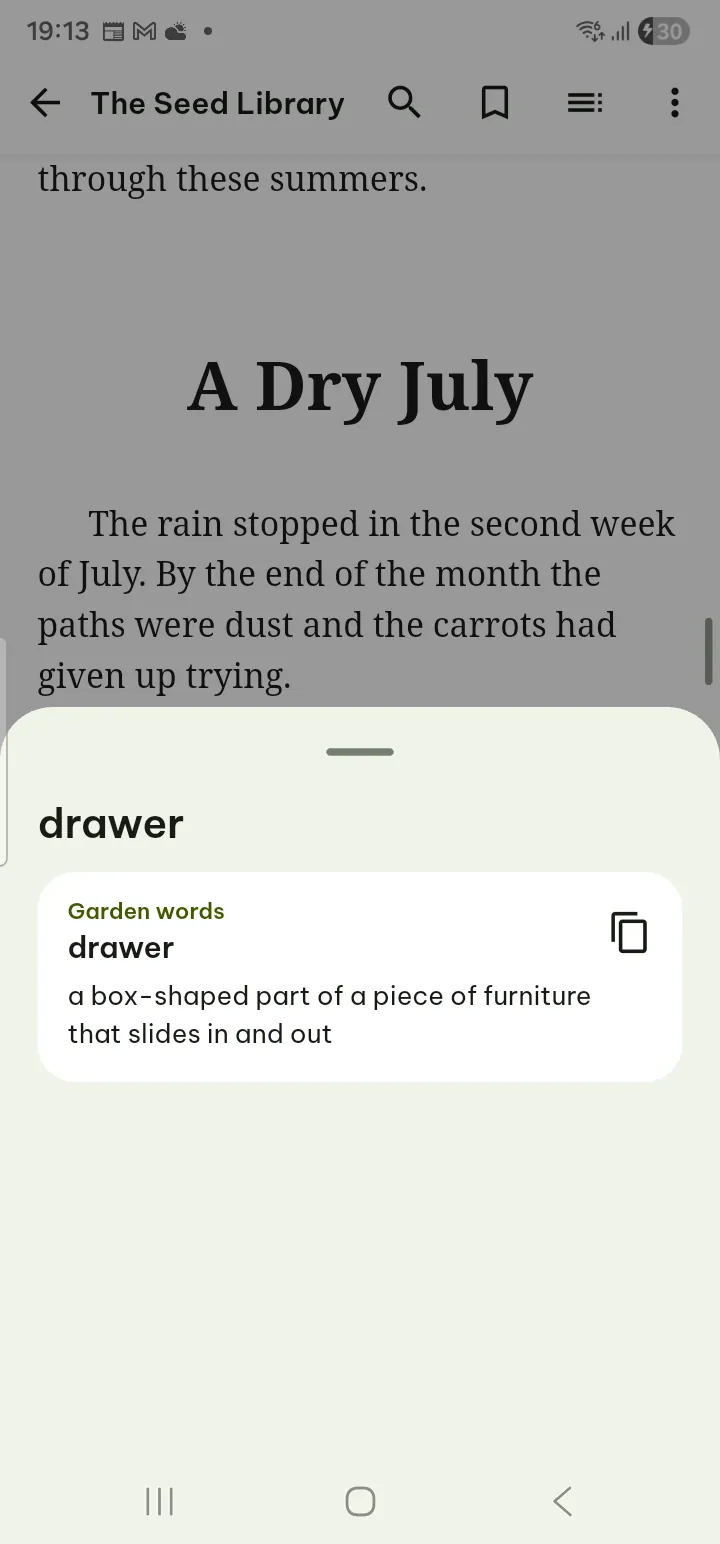
- Tap Show answer and grade yourself: Again, Hard, Good or Easy. Cards come back on a spaced schedule. Open page jumps to where the card came from.
Settings › Flashcards appears once you have highlights or cards. It also sets New flashcards per day and has Export all highlights.
Pictures
JPEG, PNG, WebP, GIF, BMP, HEIC (when the phone can decode it), TIFF (including several pages), SVG and ICO open in the picture viewer.
- Pinch or double-tap to zoom; animated GIFs play and pause.
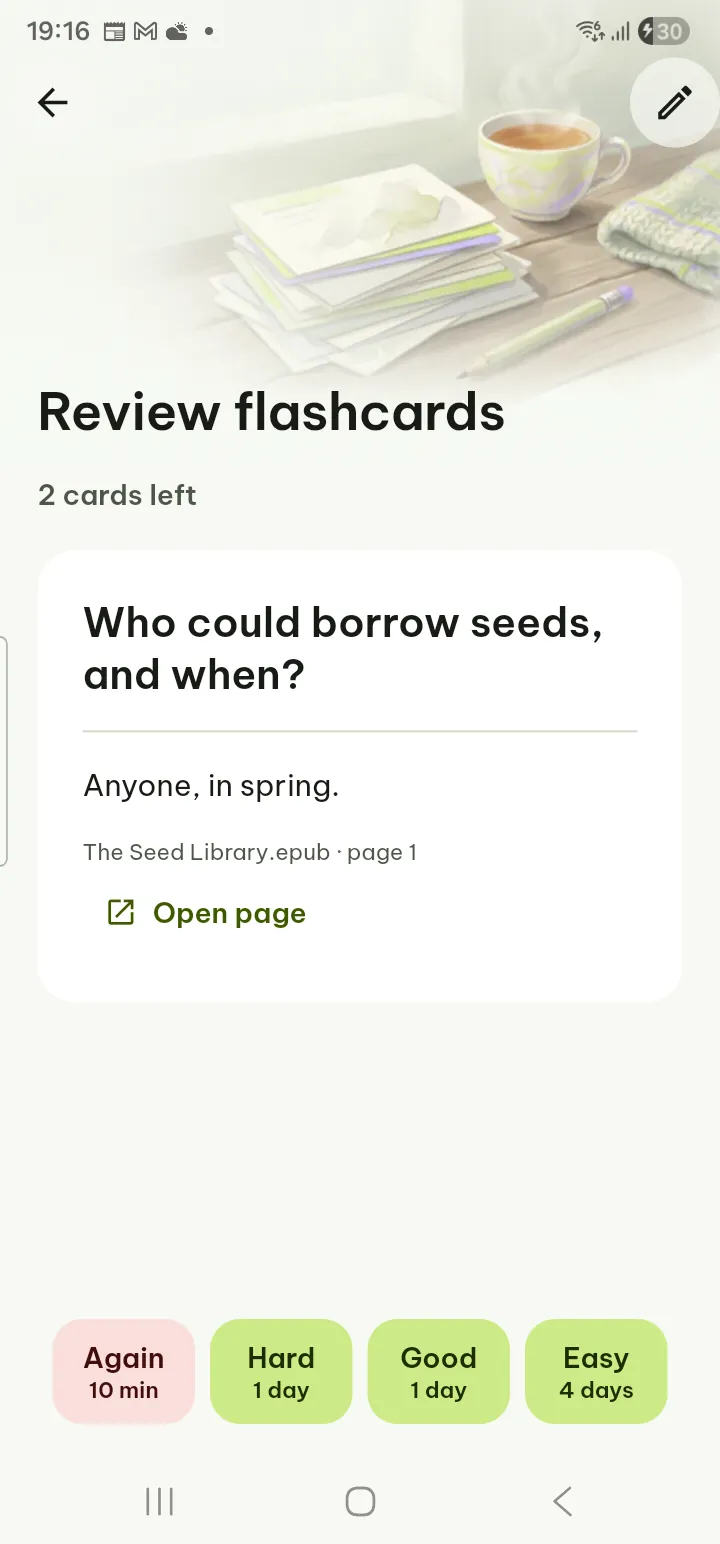
- The info button shows Picture info: size, date, camera and location.
- ⋯ has Rotate left and Rotate right (the view only; the file is not changed), Text from a picture, Print…, Save as PDF…, Share file and Remove location and share.
Comics
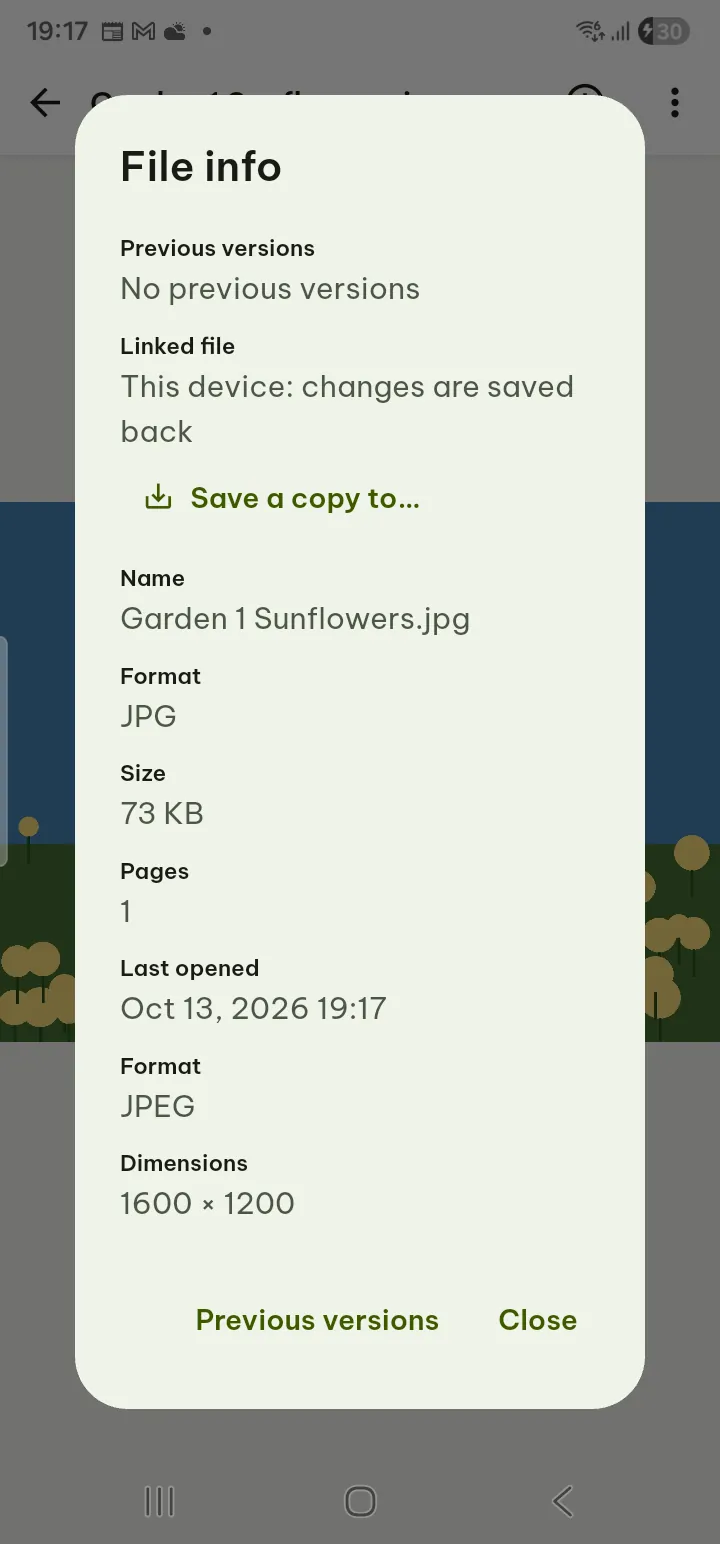
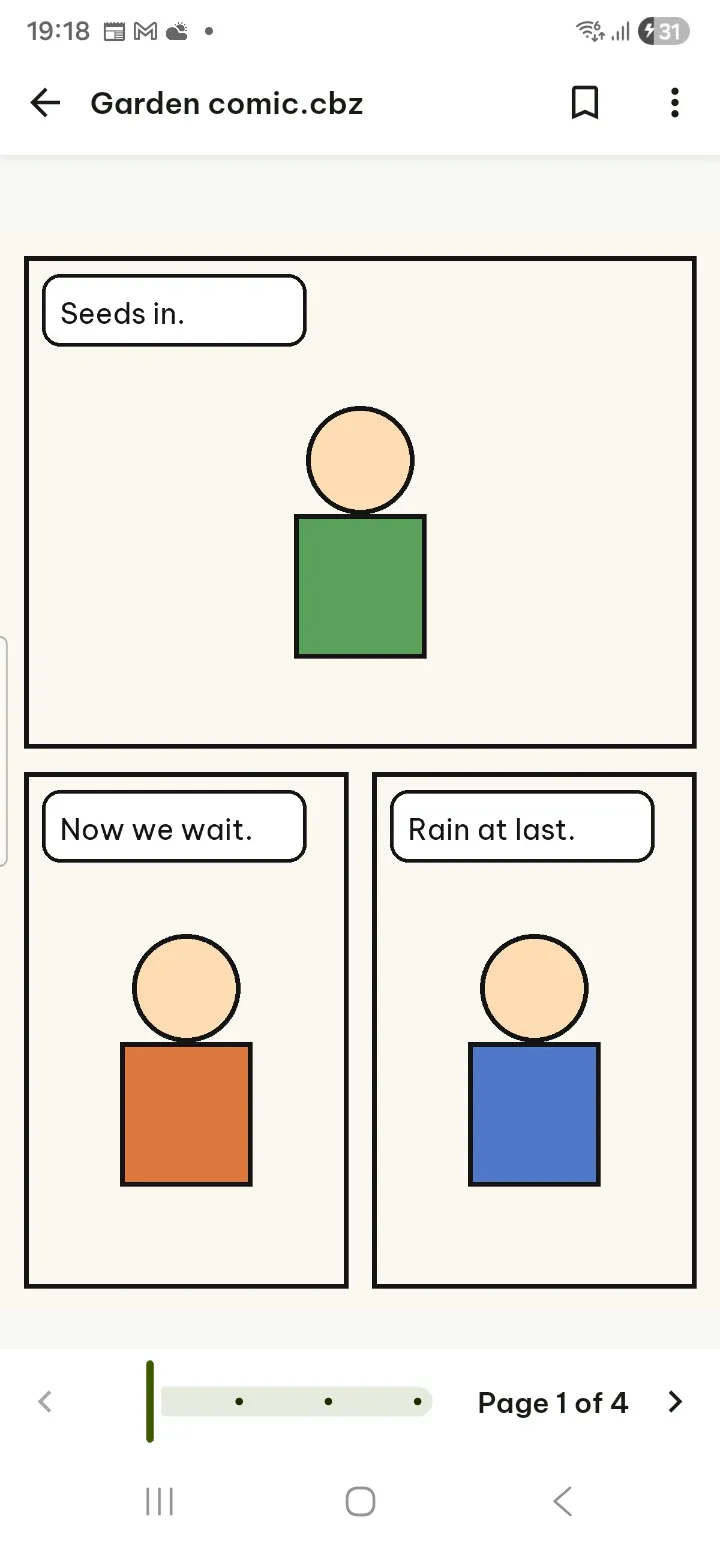
.cbz and .cbt comics open page by page. ⋯ has Right to left (manga), Two pages side by side and bookmarks; File info shows the series, issue and publisher when the comic has them. .cbr and .cb7 comics are not supported.
E-mail and notebooks
- .eml and .msg show the sender, recipients, date and subject, then the message. Nothing is loaded from the internet. ⋯ › Attachments lets you open, save or share each attachment; attachments are never run.
- .ipynb notebooks show text, code and saved outputs; nothing is run. ⋯ › Show hidden and collapsed parts shows everything.