
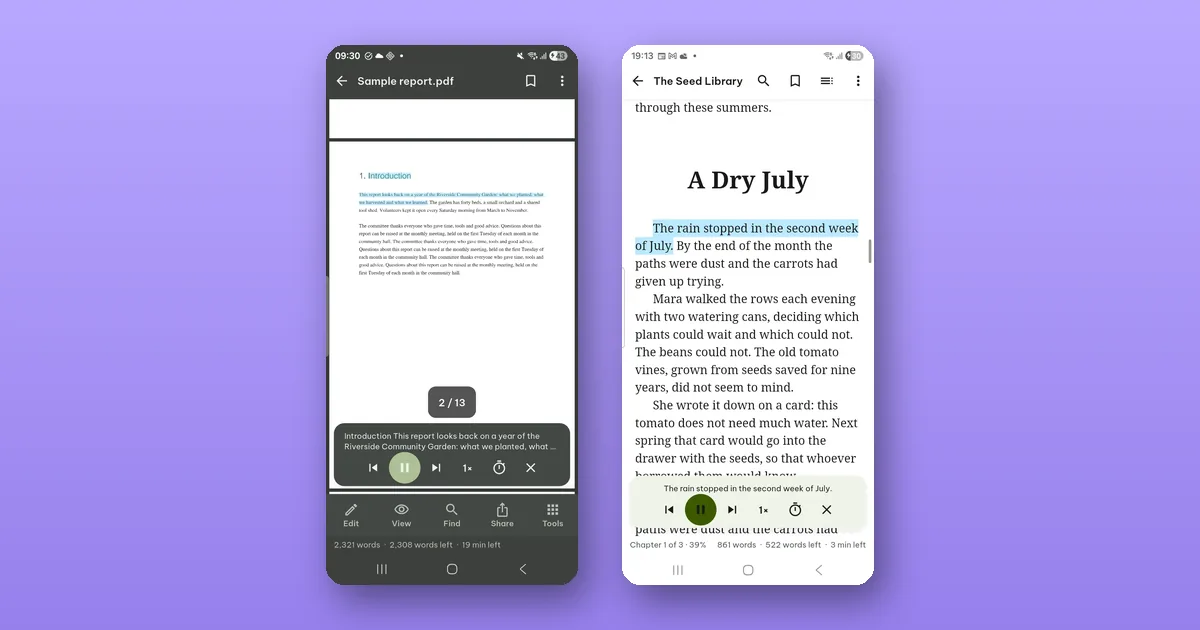
Open the PDF and tap View › Read aloud. Pagiro reads the text to you with your phone's voices, and you can lock the phone, put it in your pocket and keep listening. It is free.
That is most of it. The rest of this post is the details that make it pleasant to use on a walk or in the kitchen.
Starting in the right place
To start somewhere else on the page, press and hold a word, drag to select a few words, and tap Read from here.
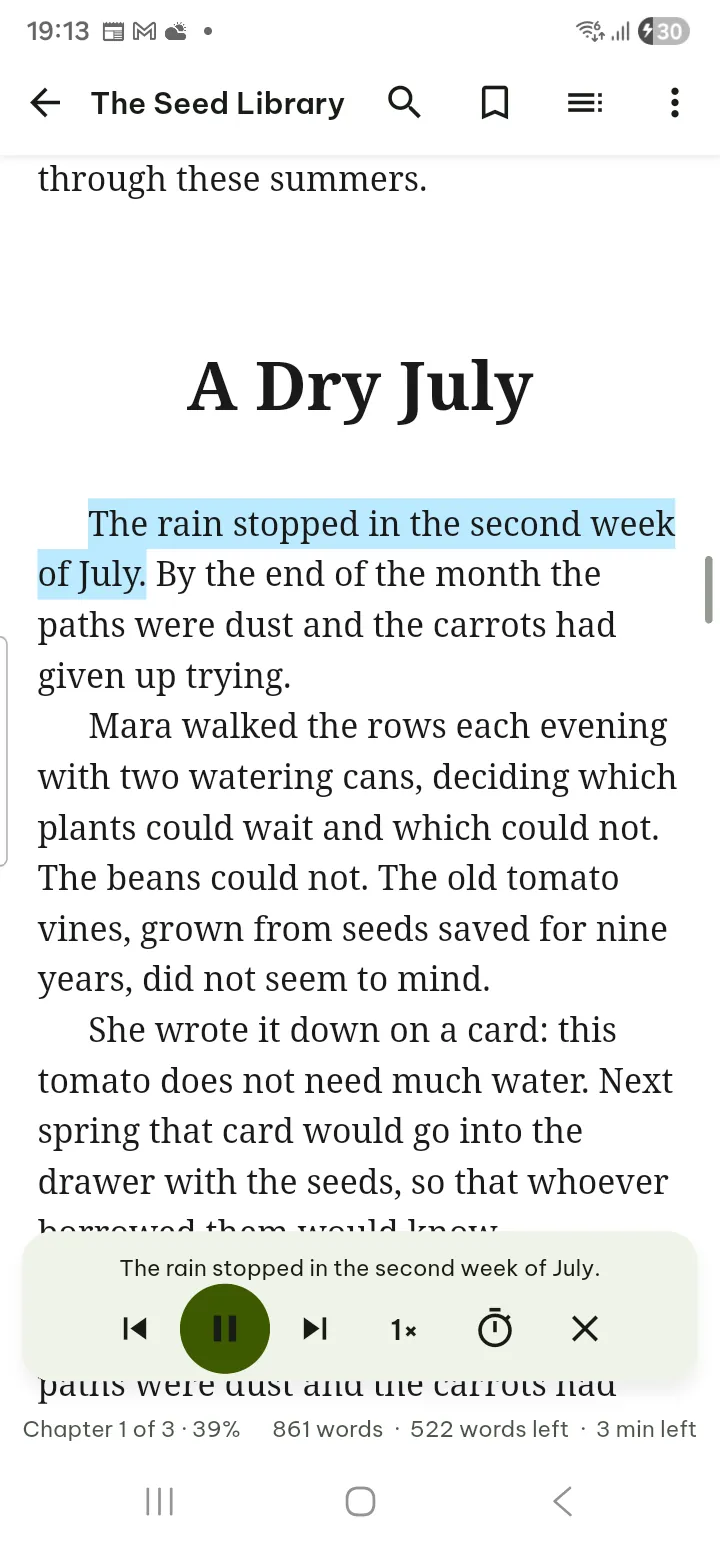
In an e-book the button is ⋯ › Read aloud. A .docx document reads aloud in Reading view (switch with View in the bottom bar); the page layout view does not read aloud. Spreadsheets have a Reading view too, which shows the rows as text.
The controls
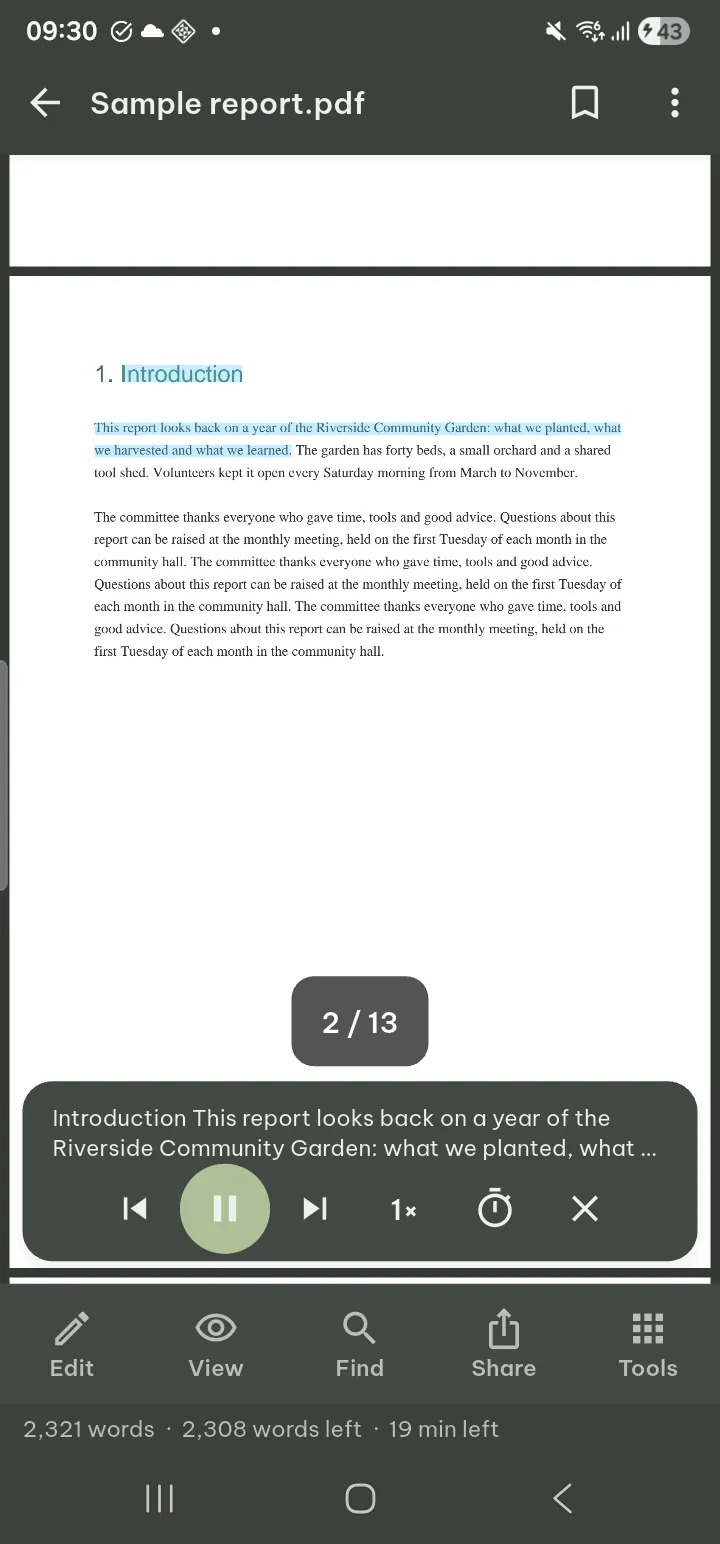
A small panel appears at the bottom:
- Previous sentence and Next sentence, for when your mind wandered for a moment.
- Play and pause.
- Speed, from half speed to twice as fast.
- Sleep timer: 15, 30 or 60 minutes, and in a book also End of chapter.
- Stop reading closes the panel.
With the screen off, the controls are on the lock screen and on your headset buttons. The lock-screen card never shows the text being read. It shows the document's name while the app lock is off; for a document in the Vault it shows only the app's name.
Voices
Pagiro uses the voices installed on your phone; it has none of its own. That means the voice quality depends on your phone, and on which languages you have voices for.
If the phone has no voice for the document's language, Pagiro tells you, and you can download one in the phone's text-to-speech settings. Settings › Read aloud in Pagiro has the Voice, the Speed and a Voice settings button that opens the phone's own page.
The same settings page has Skip headers, footers and page numbers. Turn it on for long reports and books: hearing a running title and "page 47" between every page gets old fast.
Books with their own narration
Some EPUB 3 books come with a recorded human narration built in. For those, ⋯ › Play the book's own narration plays the recording and highlights the text as it is read, so you can follow along.
When it does not work
A scanned PDF is a picture of text, so there is nothing to read until the text is recognized. Pagiro says so and offers Recognize text; after that, the document can be searched and read aloud. Recognition runs on your phone.
The steps are also in the guide: Read aloud in a PDF and Read aloud and narration in a book.