
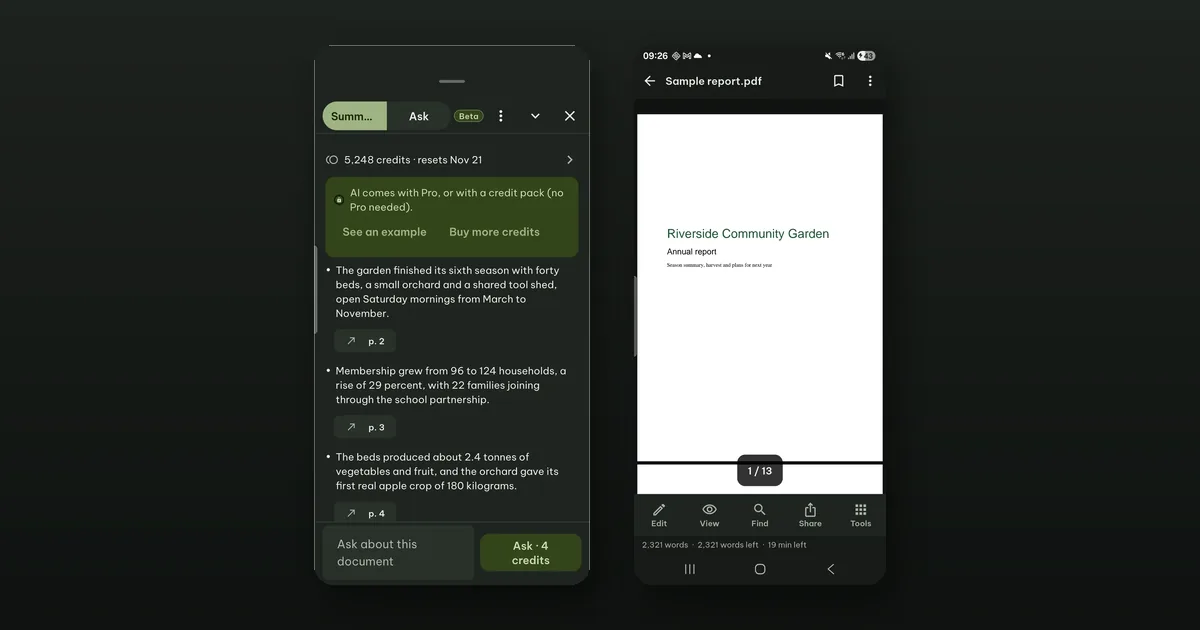
Open the document, tap Summarize at the top, and you get its key points as a list. Each point ends with a link to the page it came from, such as p. 4. The links are the part we care about most, because a summary you cannot check is a summary you cannot use.
Summarize is a beta feature on Android. It sends the document's text to our AI service and uses AI credits, which come with Pagiro Pro or with a credit pack (no Pro needed).
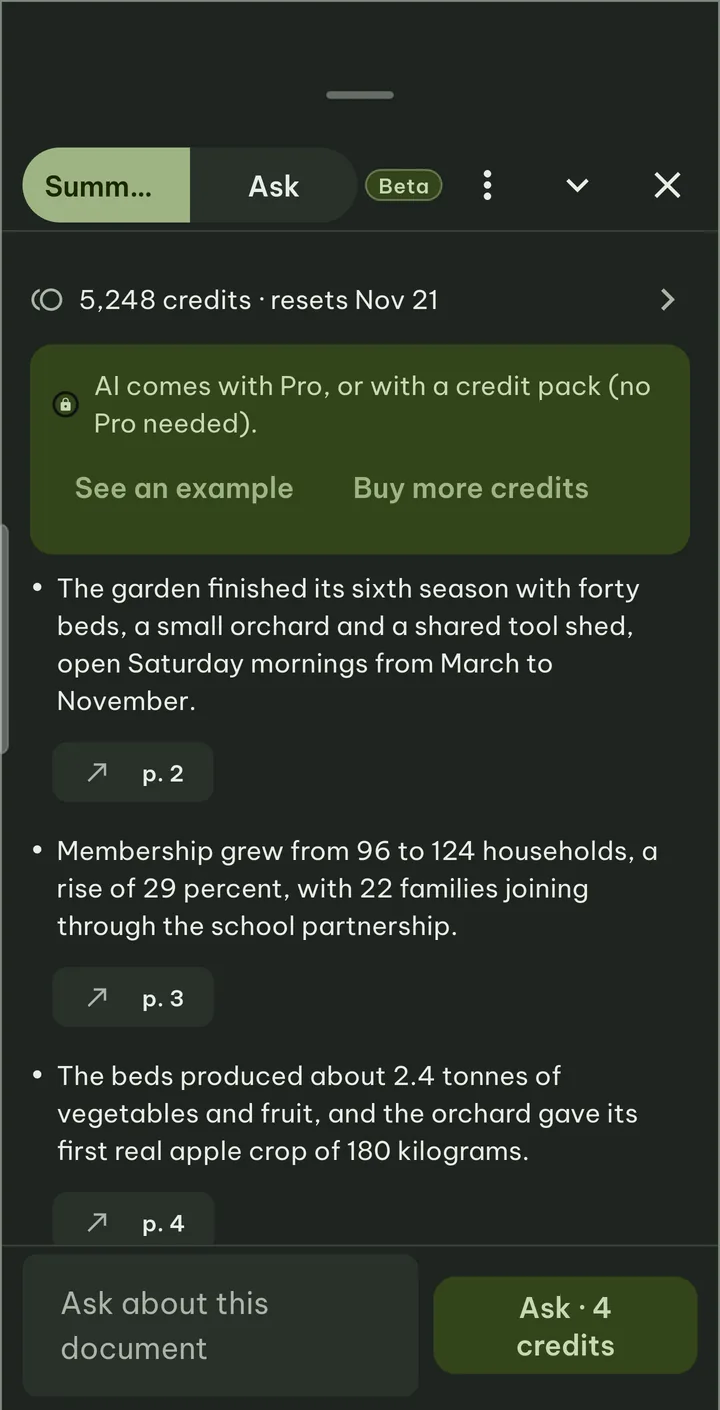
Starting a summary
Summarize sits in the top bar of an open document. From the Library or Home, you can also press and hold a document and choose Summarize with AI: it opens with the summary already running.
The first time, Pagiro explains what will be sent and asks you to tap Allow, and asks you to confirm your age (the AI features are for people aged 13 and over, 16 and over in the European Economic Area, the United Kingdom and Switzerland). Until then, nothing leaves the phone.
There are two lengths: Short, a few key points, and Detailed, points per section.
What it costs
Summarize starts with one tap and shows its price as it starts. If you change your mind, tap Stop within 3 seconds and it costs nothing (up to 30 times a day). We built it this way so that one tap is enough for the common case, without making a mistaken tap expensive.
The prices, as the app lists them:
- 6 credits for a document of up to 10 pages,
- 18 credits up to 50 pages,
- 72 credits up to 200 pages,
- Detailed adds 4.
A question in Ask costs 4 credits. A summary you already have for that version of the document opens again for free. If something fails on our side, it costs nothing, and you are never charged more than the price shown.
Pro includes 600 credits a month with the monthly and yearly plans and 200 with lifetime. Unused monthly credits do not carry over. Credit packs of 500 and 2,000 add more and do not expire while Pagiro offers AI.
There are no free summaries beyond the free stop. The 2 free creations everyone gets are for Create with AI and do not cover Summarize or Ask.
Long documents
A very long document may be more than one summary can read. Then the summary says which pages it read and how many the document has, so you know what it did not cover. If a part you picked is too long for one request, the app asks you to pick a smaller part.
A long summary keeps going if you leave the screen or switch apps, and a notification tells you when it is ready, if you allow notifications.
Why you still check the linked page
Every AI result in Pagiro carries a small line: AI-generated · may contain mistakes · check the linked pages. We mean it. A model can merge two numbers, drop a "not", or state as a fact what the document only proposed. A summary of a contract or a report is a map, not the document.
So use it the way the links invite you to:
- Read the points. Most of them will be what you need.
- For any point you will act on (a date, an amount, a promise, a deadline), tap its page link. The document jumps to that page.
- Read the passage itself. If it says something different, the passage wins.
That takes a few taps per point, which is still much less than reading 80 pages to find the three that matter.
Asking a follow-up
Under the summary is the Ask about this document field. The answer comes with page links too, so the same rule applies: check the page before you rely on it. If an answer looks wrong or inappropriate, you can report it from the result.
What is sent
The text of the document you summarize (or the part you picked), and your question if you ask one. Never the file itself, and never your other documents. It is not stored by us and not used for training, and our AI provider normally deletes it within 30 days. You can turn sending off at any time in Settings › Security › AI › Send text to AI. The details are in what happens to your text when you use AI and in the privacy policy.
Summarize needs the internet. Everything else in Pagiro, including reading the PDF the summary points to, works offline.