
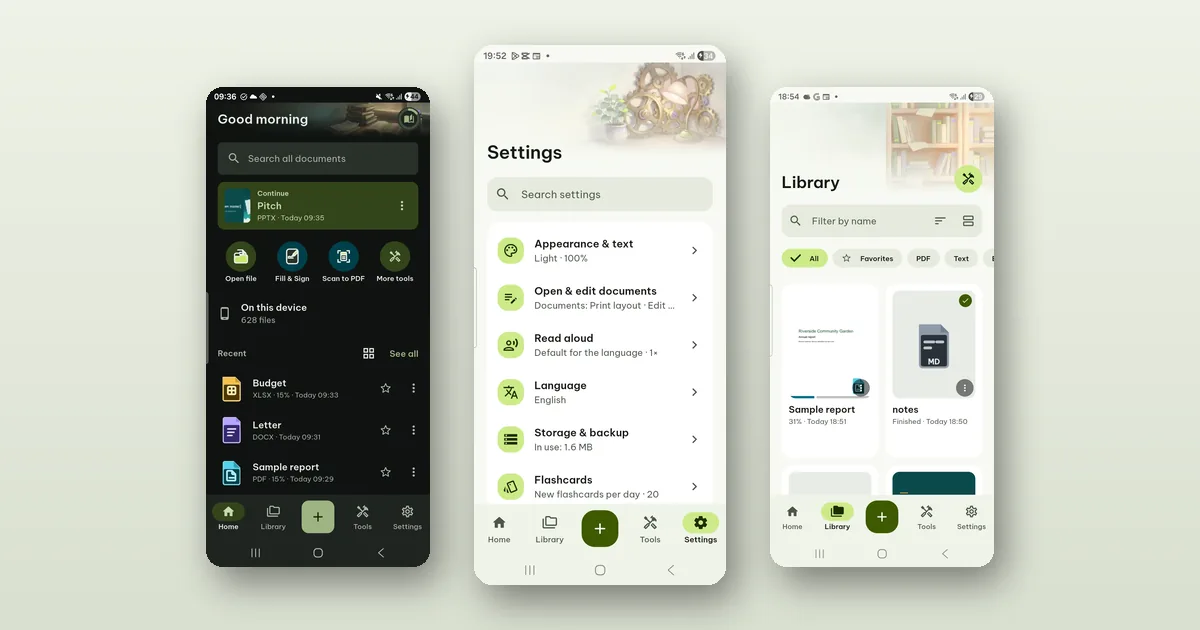
Pagiro has no ads and no sign-in. Your documents stay on your phone. We pay for the work by selling Pro, and AI by selling credits. This post is about why we chose that, and what it costs you and us.
Ads would have changed the app
A document app sees the most private files people have: contracts, medical letters, bank statements, scans of an ID. An ad-supported app makes money from attention and from data about the person giving it. Even with good intentions, that pulls every decision in the wrong direction: more screens, more reasons to come back, and an ad library inside the app that wants to know who you are.
We did not want that library in an app that opens your passport scan. So there is none. Pagiro has no advertising and no tracking across apps or websites, and we do not sell or share data.
No account, because nothing needs one
An account makes sense when your files live on someone's server. Pagiro reads, edits, scans and recognizes text on the phone. Your documents and pictures are not sent to us or to any server of ours. There is nothing to log in to.
Purchases do not need an account of ours either. Google Play handles payment, and Pro is tied to your Google Play account. Restore purchases brings it back on a new phone. After one check online, Pro works offline.
The app asks for very little: the camera when you scan (optional), and internet only for purchases, AI when you use it, statistics if you allow them, and links you tap. It does not ask for location, contacts or the microphone. Access to all files is optional and asked for only when you use Library › On this device (Android 11 and later), which lists the documents already on your phone; everything else works with the system file picker, where you choose each file.
How it is paid for
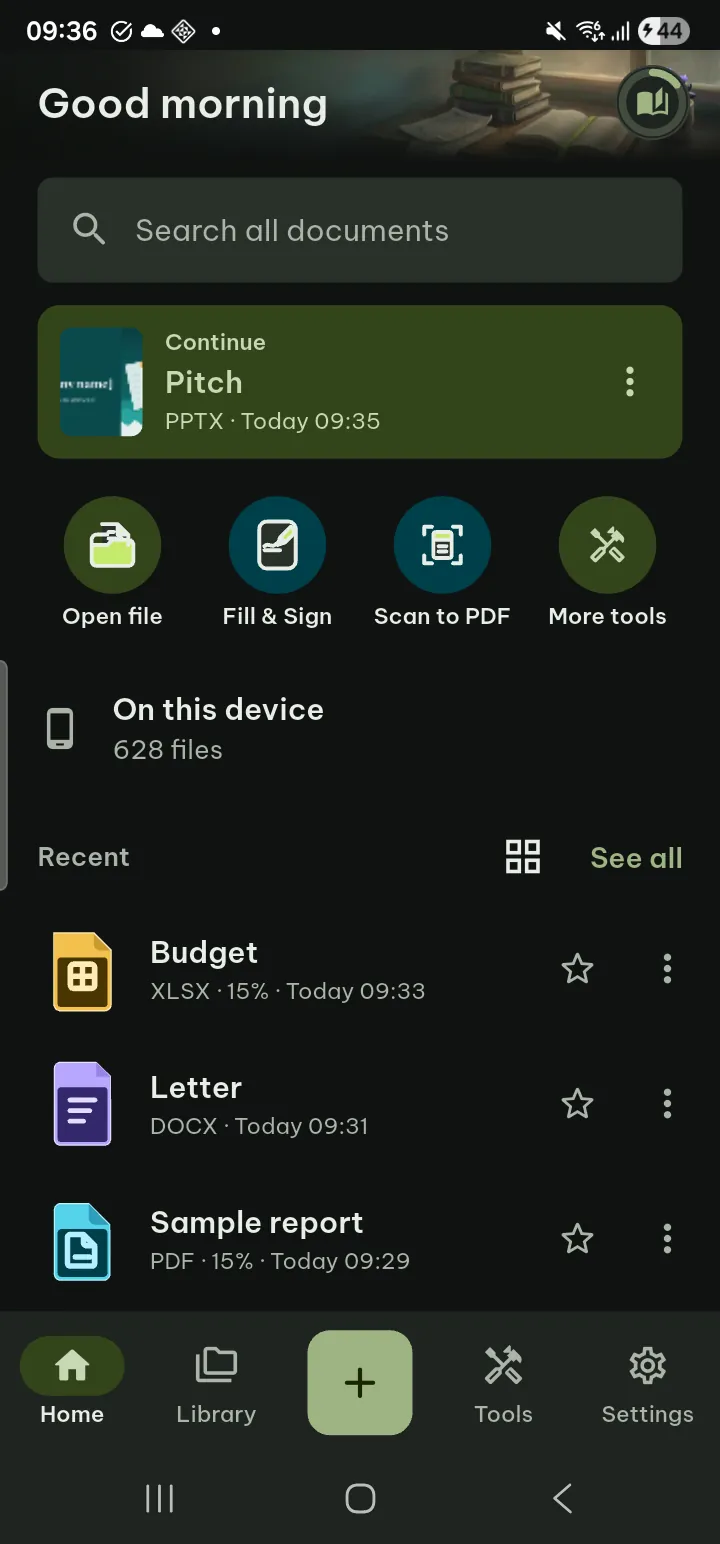
Pagiro is free to download, and the everyday work is free: reading every supported format, basic editing of .docx, .xlsx, .pptx and PDF, filling in and signing forms, scanning, text recognition, printing, sharing and the common PDF tools such as merge, split and compress.
Pro adds the deeper tools: advanced editing, more PDF tools, conversions, the app lock and the Vault, color themes and reading styles, premium templates, scheduled backup, and AI with monthly credits. There are three plans, monthly, yearly (new subscribers can start with a 7-day free trial) and lifetime, and all three include exactly the same features. Only the monthly AI credits differ.
Two promises come with that, and both are written in the terms:
- A free feature is never taken away. What is free stays free, also after Pro ends or after a refund.
- Lifetime means what it says, for as long as Pagiro is offered. If we ever stop, you get at least 90 days' notice, and installed copies keep the Pro features that run on your device.
We also did not want you to pay to find out whether a tool does what you need. Most Pro tools open for everyone: choose the file, set the options, look at the preview. Pro is asked only when you tap the button that runs it, and after buying you go back and it runs with your settings.
AI is the one exception, so it is paid separately
AI features (Summarize, Ask and Create with AI) are in beta and on Android. They are the only part of Pagiro that sends text from your documents off your phone, and only the text you choose, only when you tap. It is not stored by us and not used for training, and our AI provider normally deletes it within 30 days. The privacy policy spells out every detail, including the exceptions on the provider's side.
AI also costs us money every time it runs, which a feature on your phone does not. That is why it uses credits: Pro includes monthly credits, and credit packs of 500 or 2,000 can be bought with or without Pro. Every action shows its price before it runs, and an error on our side costs nothing. Everyone gets 2 free tries of Create with AI. If you never use AI, none of this touches you.
The statistics are off until you say yes
We do want to know which tools people use and where they get stuck. So the app can send anonymous usage statistics, but only after you tap Allow on the card that asks, or turn on Share anonymous usage data in Settings › Security › Privacy. Until then nothing is collected.
If you allow it, the events are things like "a tool was used" and "a PDF of 1 to 10 MB was opened". Never document names, contents, search terms, notes, or anything about the Vault. Turning it off stops sending at once and deletes the anonymous ID.
Crash reports work the same way. The diagnostics log stays on your phone for at most 3 days. When you send feedback, you see everything that would be included and send it yourself, from your own e-mail app.
What it costs you
Building it this way has real trade-offs, and you should know them.
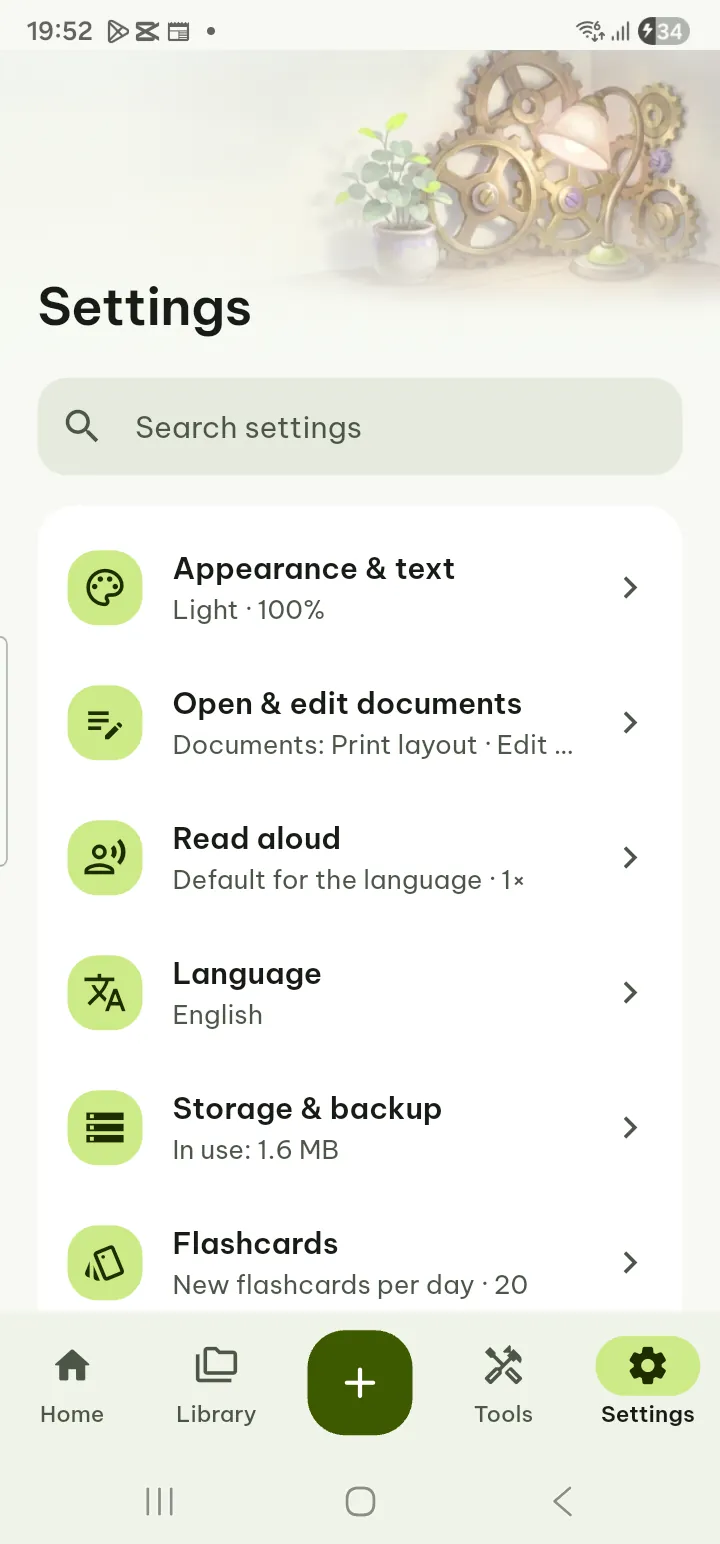
Your data is your job to back up. Because we hold no copy of anything, we cannot restore your library if your phone is lost. Export data is free and saves your reading positions, bookmarks, highlights and settings in one file; Pro adds a scheduled backup to a folder you choose, encrypted with a passphrase. Uninstalling the app deletes what Pagiro keeps on the phone (your original files stay).
There is no sync between devices. Your library, highlights and reading positions live on the phone where you made them. Moving to a new phone means taking an export with you.
Nobody can reset what you lock. If you forget the Vault PIN and have no recovery key, we cannot open it for you. A password we do not have cannot be recovered.
Support is by e-mail. We cannot look up your account, because there is none. Write to contact@tdhsoft.com with the file type, what you did and the app version, and we take it from there.
We think those are fair costs for an app that keeps your documents yours. The full list of what is free and what Pro adds is on the Pro page.